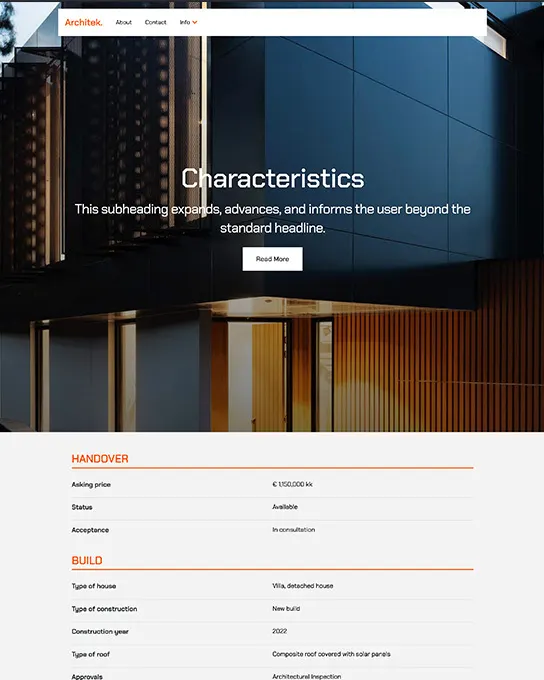
Architek
Real Estate
Responsive templates ready to customize — edit every section visually in Site Designer, no code required.
Answer a few short questions and we'll match you with the templates that fit your project best — instantly, no signup needed.
91+
templates
5
questions
~1 min
to complete
Your matches
We loosened a few filters to make sure you still get great options.
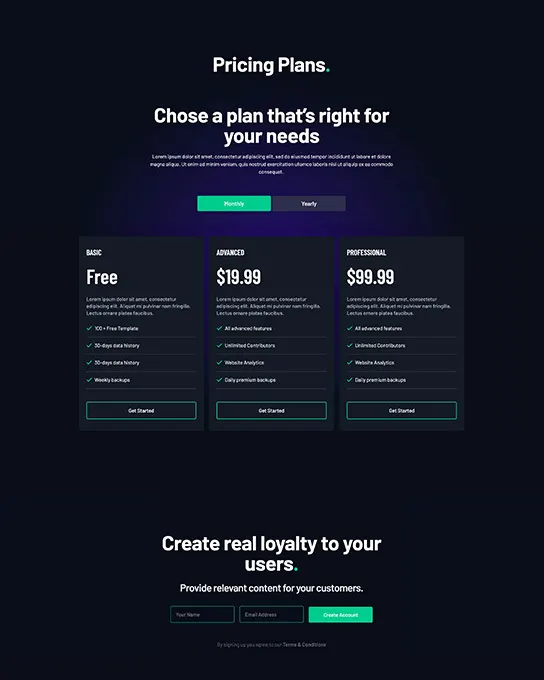
Architek
Real Estate
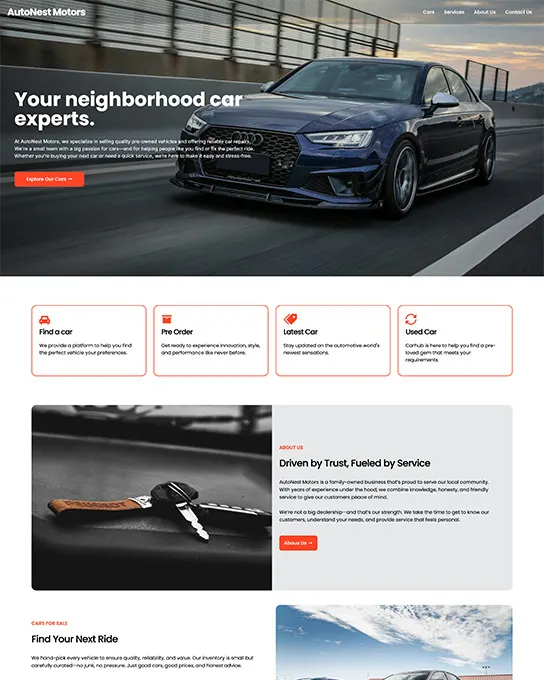
AutoNest
Business & Corporate
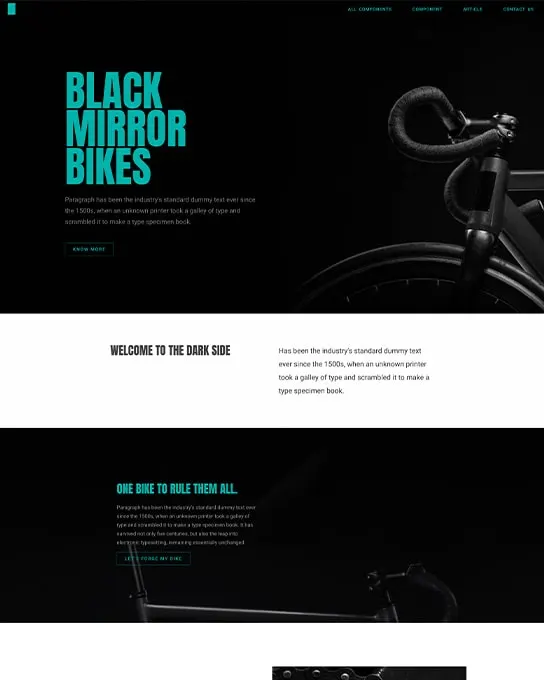
Black Bikes
Ecommerce & Retail
Blocks
Business & Corporate
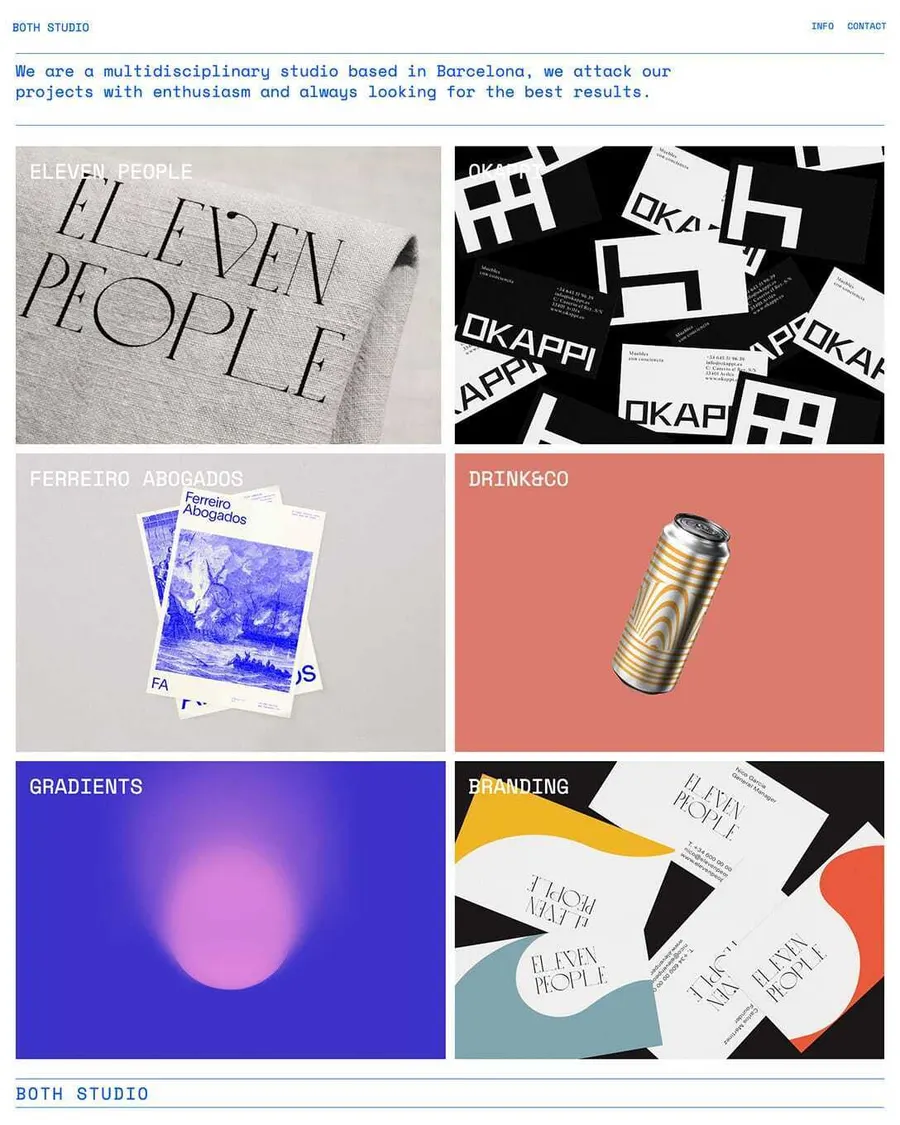
Both Studio
Portfolio & Agency
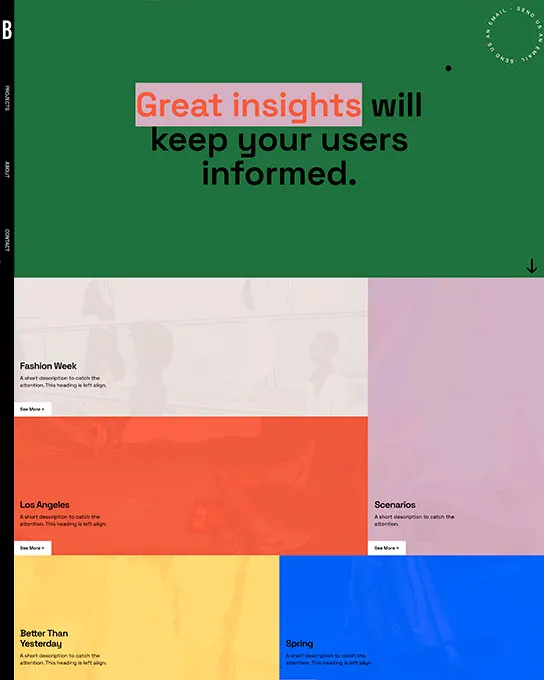
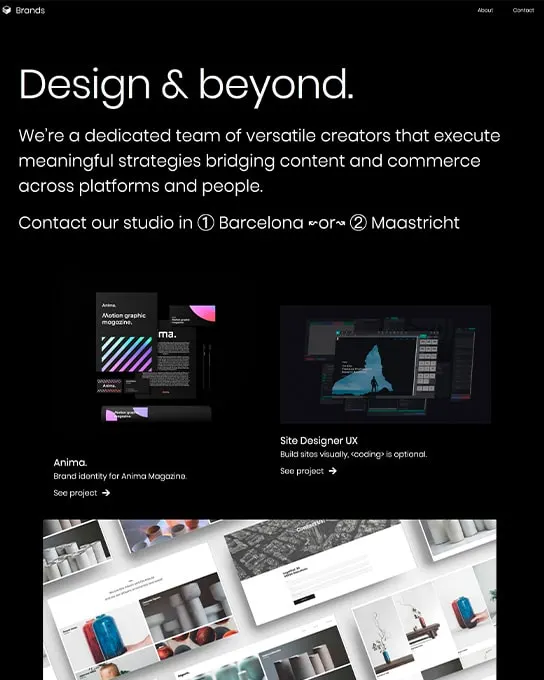
Brands
Portfolio & Agency
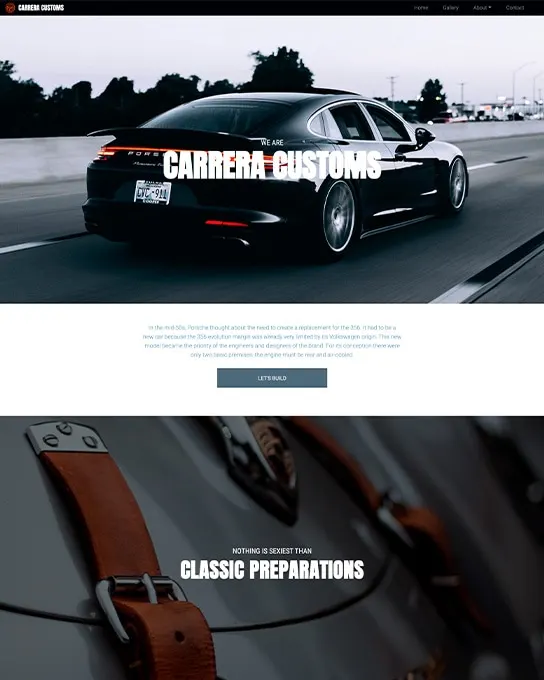
Carrera Customs
Automotive
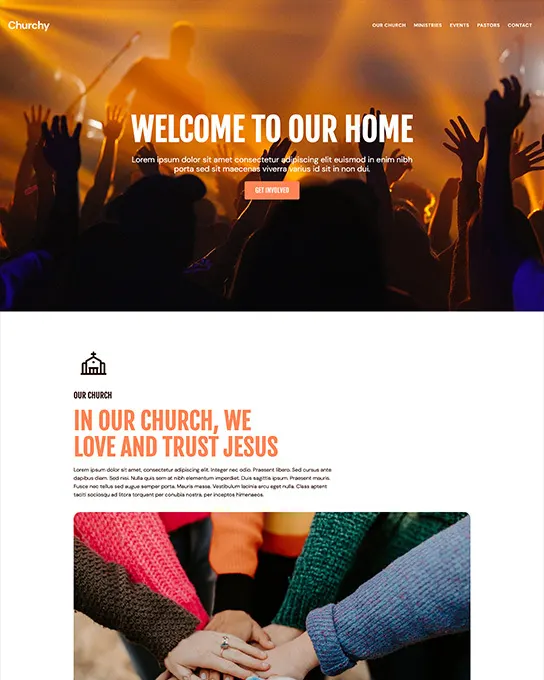
Churchy
Nonprofit & Charity
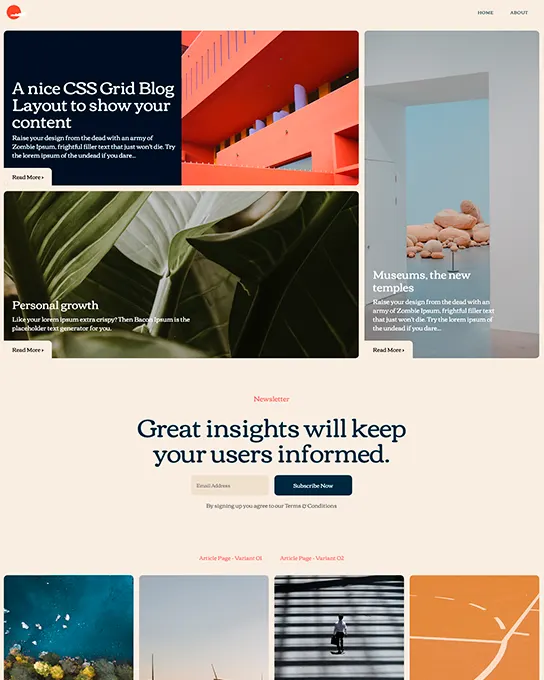
Cloud
Blog & Editorial
Coach
Landing Pages
The Coast
Restaurant & Food
Commons
Landing Pages
Company One
Business & Corporate
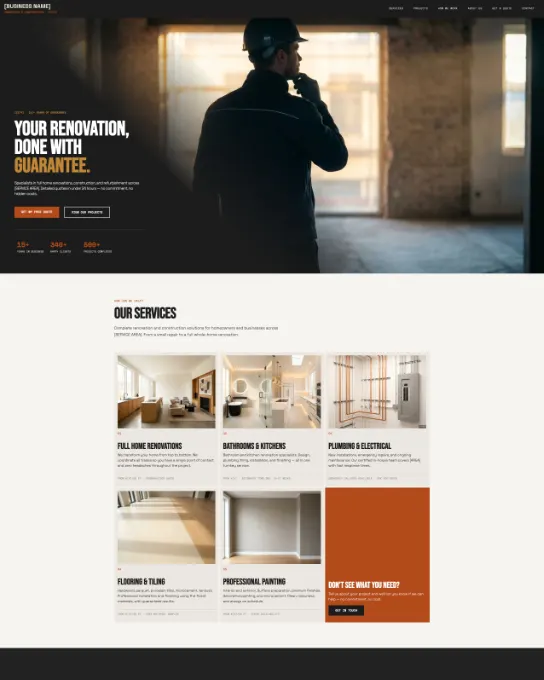
Construction
Business & Corporate
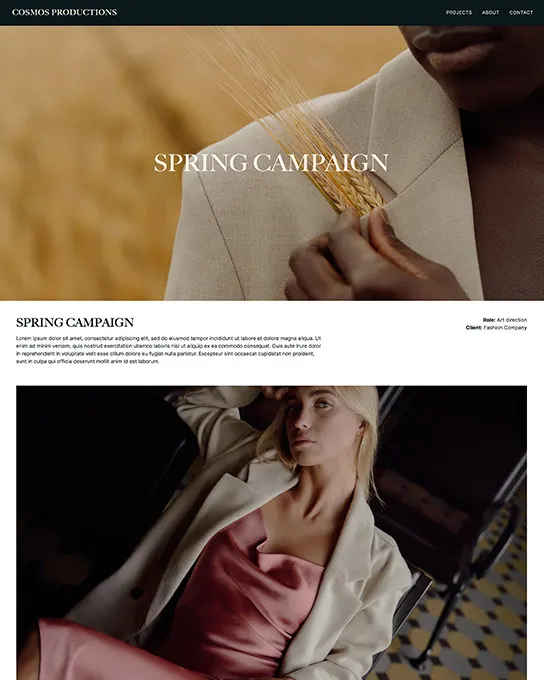
Cosmos
Portfolio & Agency
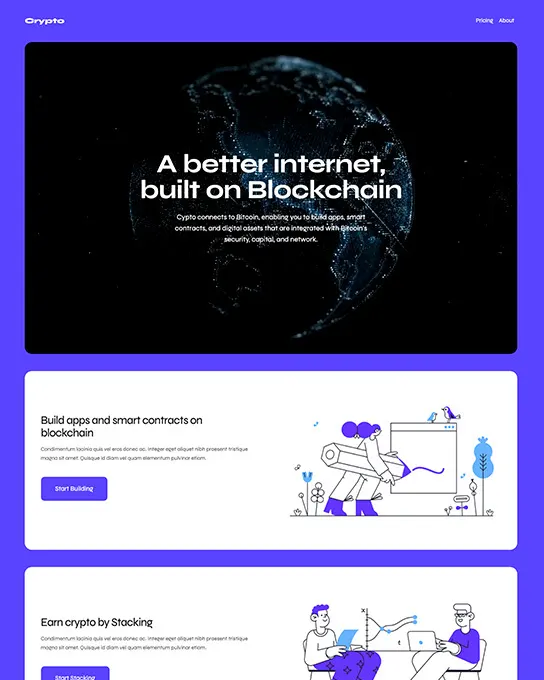
Crypto
Business & Corporate
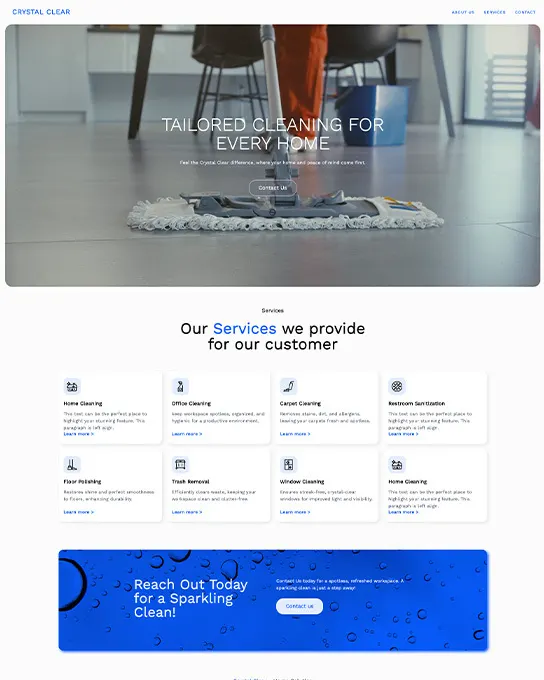
Crystal Clear
Business & Corporate
Cubiko
Ecommerce & Retail
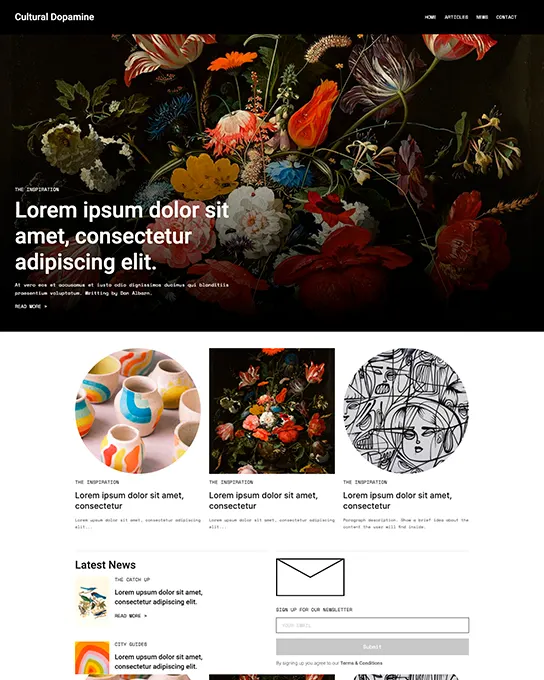
Cultural Dopamine
Blog & Editorial
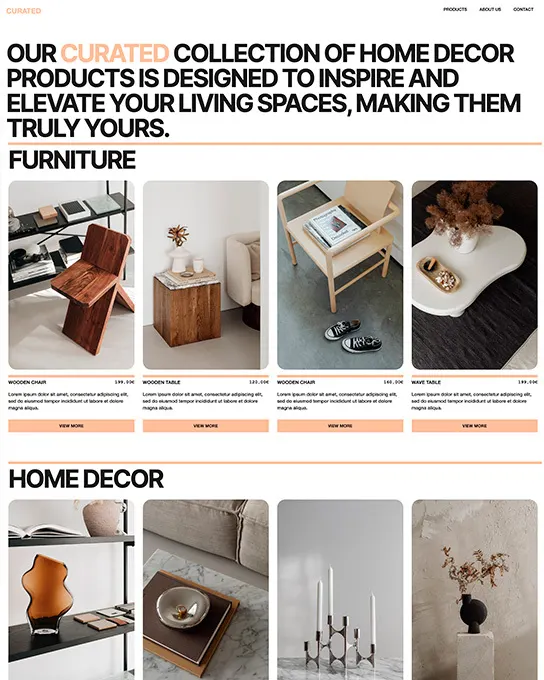
Curated
Ecommerce & Retail
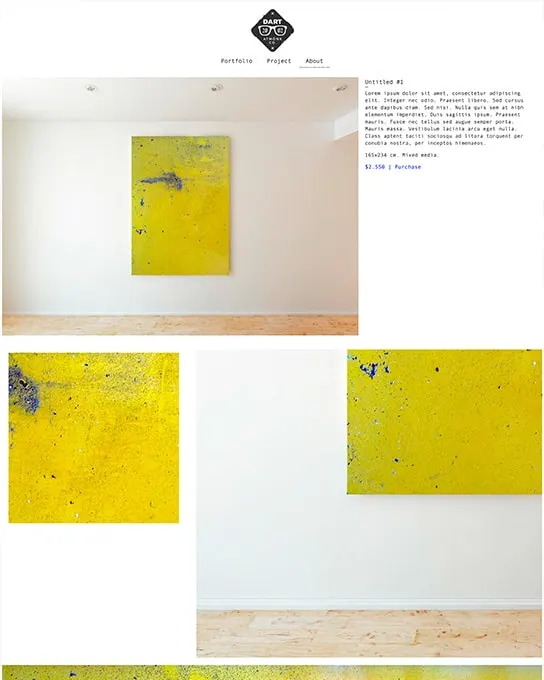
Dart
Portfolio & Agency
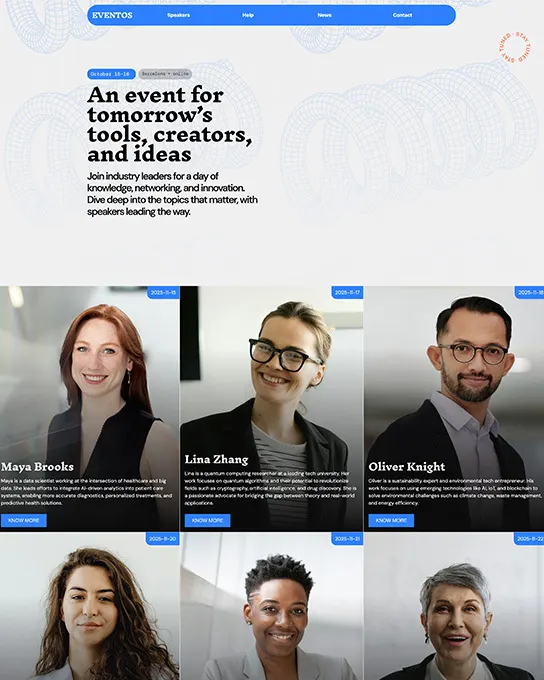
Eventos
Events & Weddings
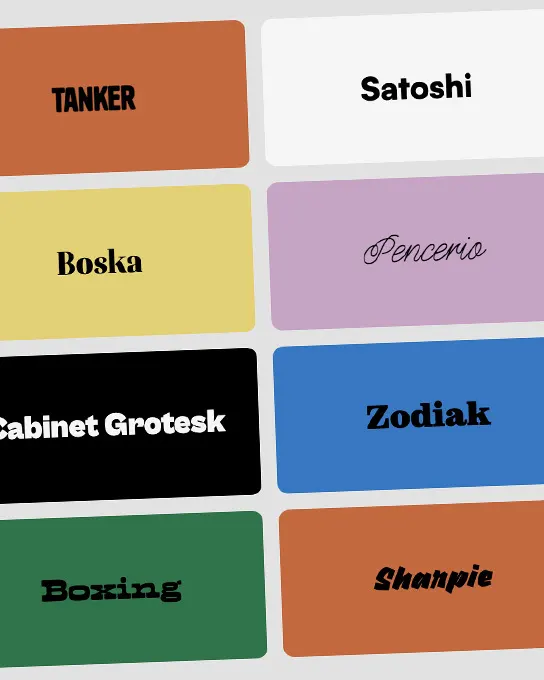
Fabulous Fonts
Education & Community
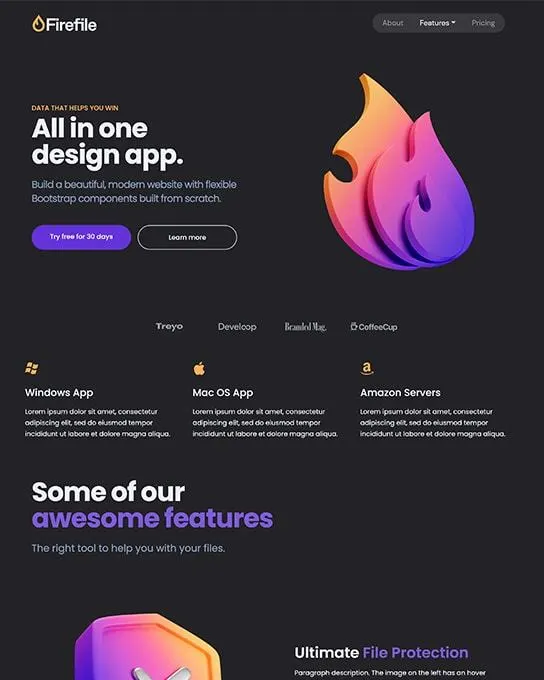
Firefile Startup
Business & Corporate
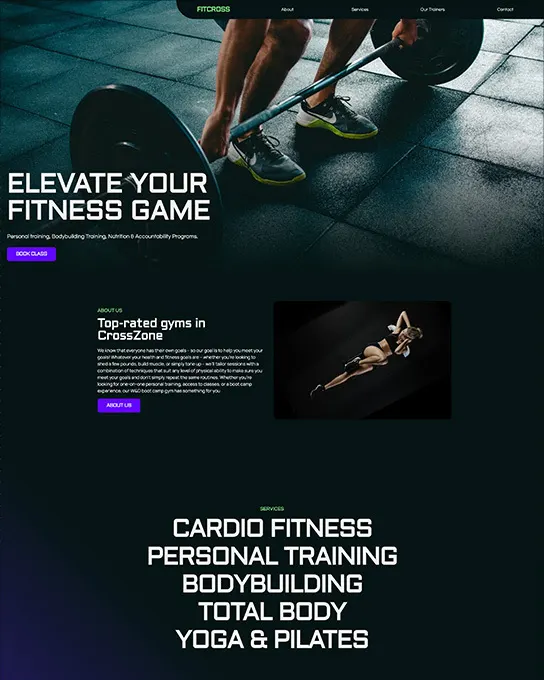
Fitcross
Business & Corporate
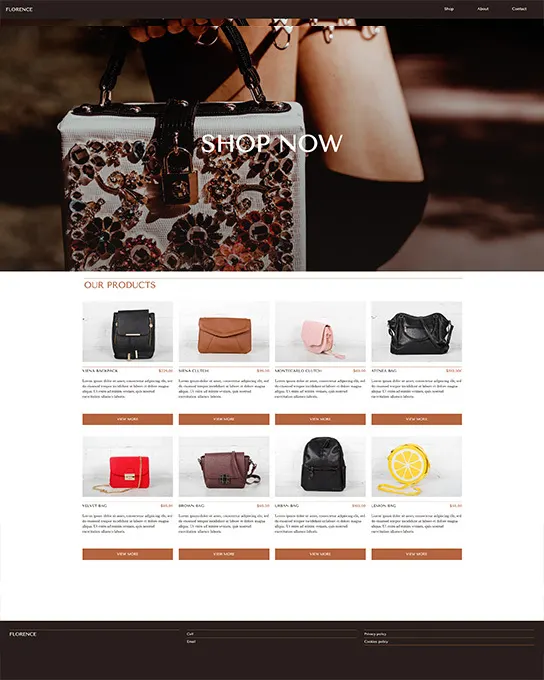
Florence
Ecommerce & Retail
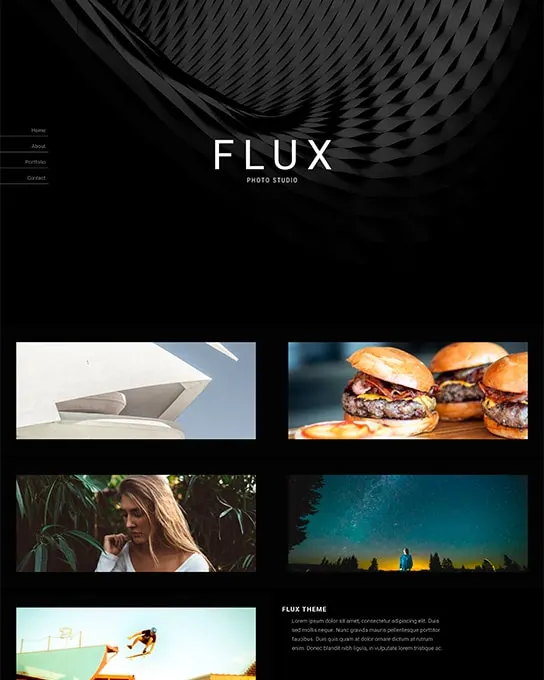
Flux
Portfolio & Agency
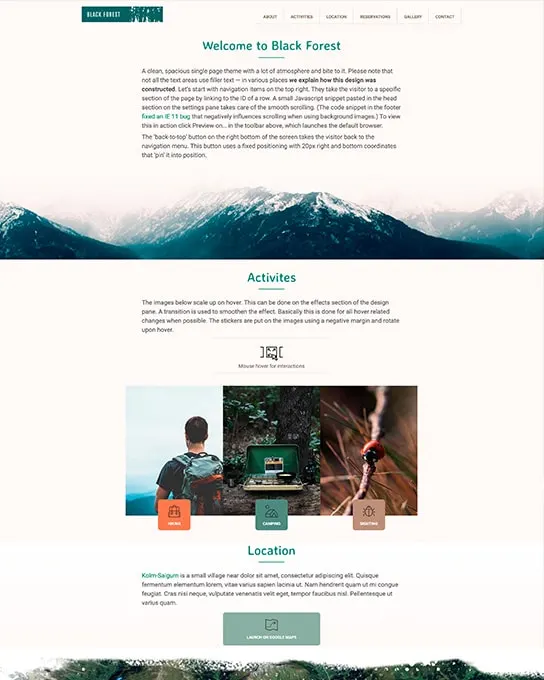
Forest
Landing Pages
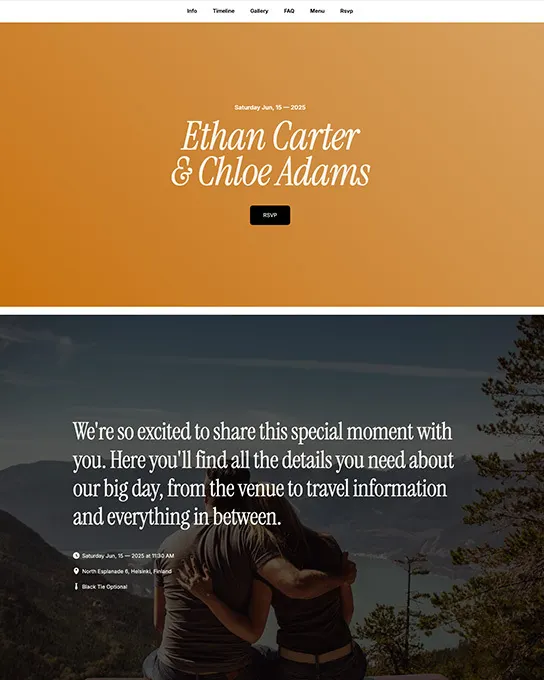
Forever
Events & Weddings
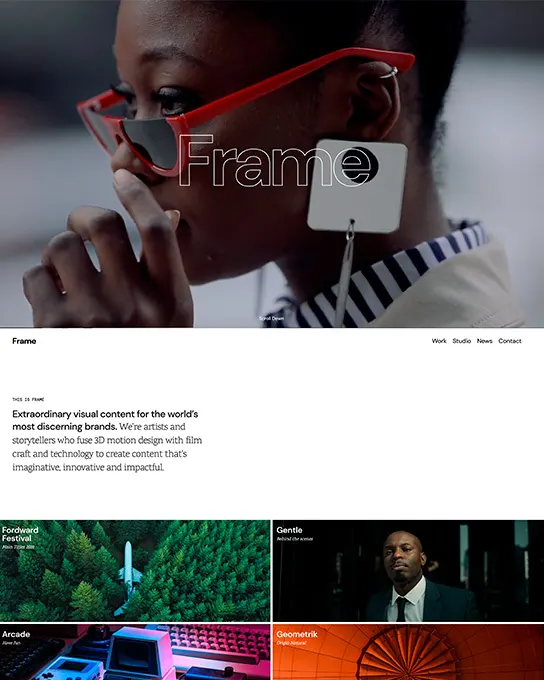
Frame
Portfolio & Agency
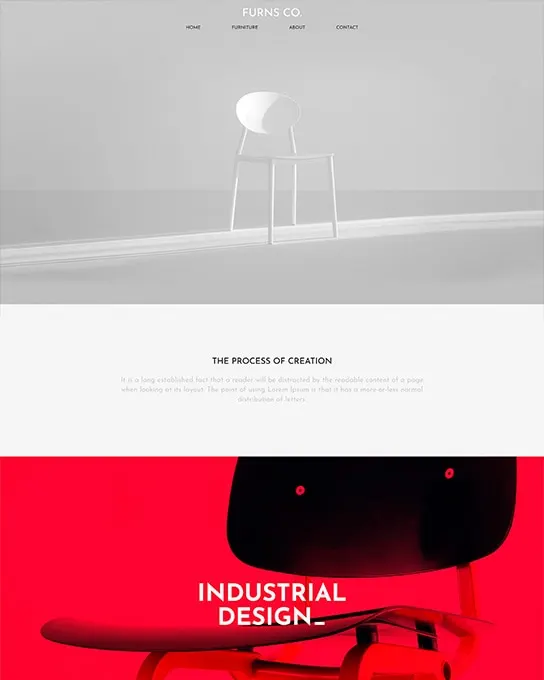
Furns
Ecommerce & Retail
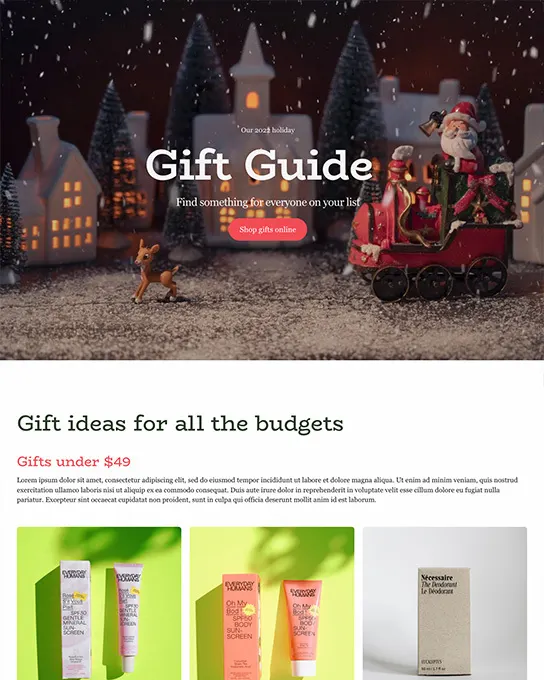
Gift Guide
Ecommerce & Retail
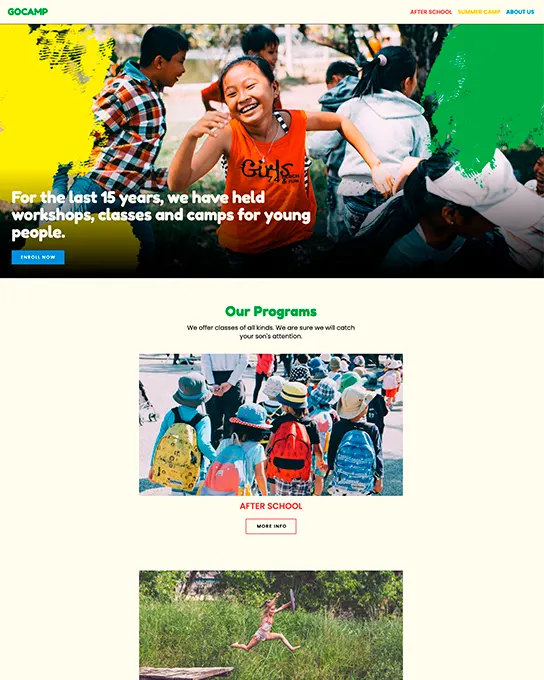
GoCamp
Business & Corporate
Gougly Mougly
Ecommerce & Retail
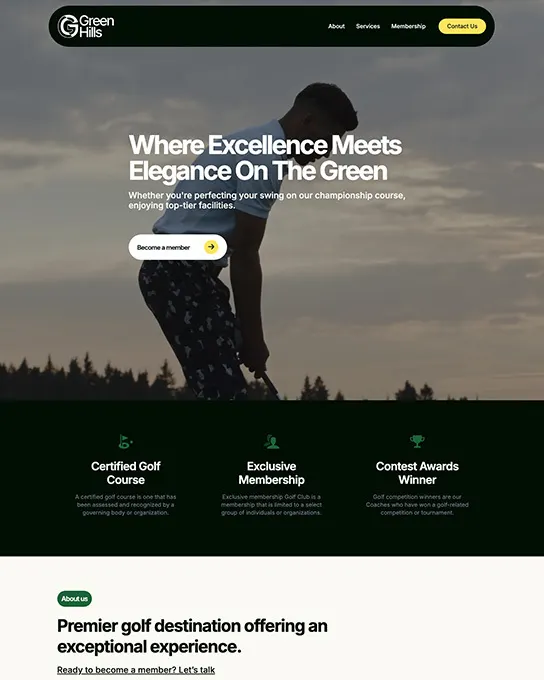
Green Hills
Business & Corporate
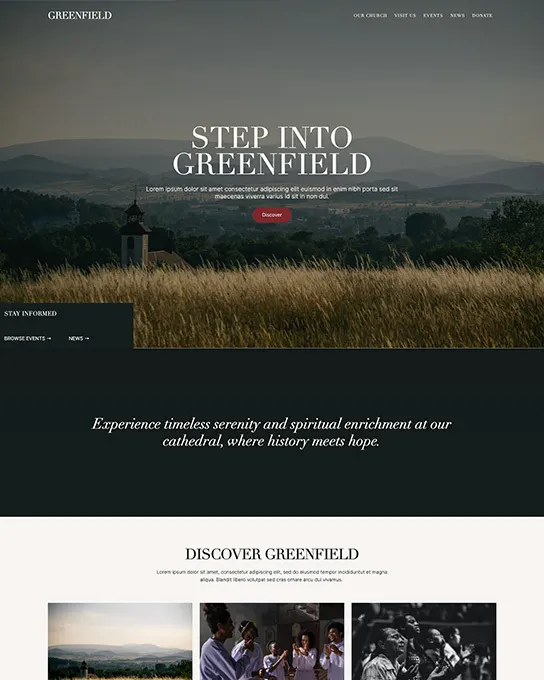
Greenfield Church
Nonprofit & Charity
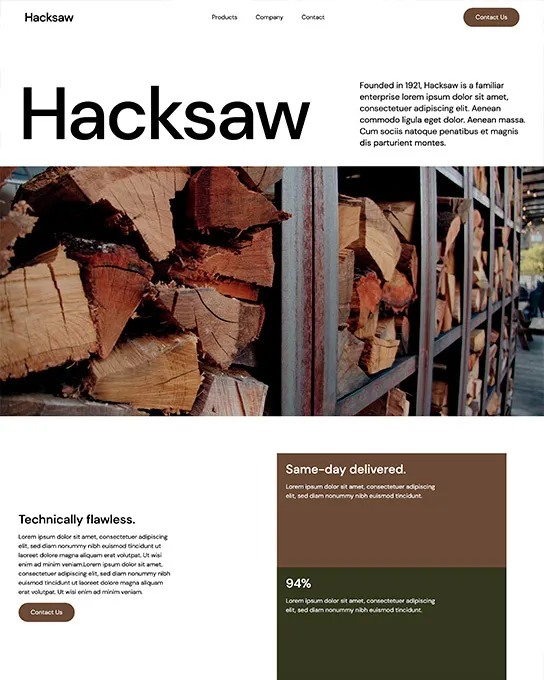
Hacksaw
Business & Corporate
Handbook
Education & Community
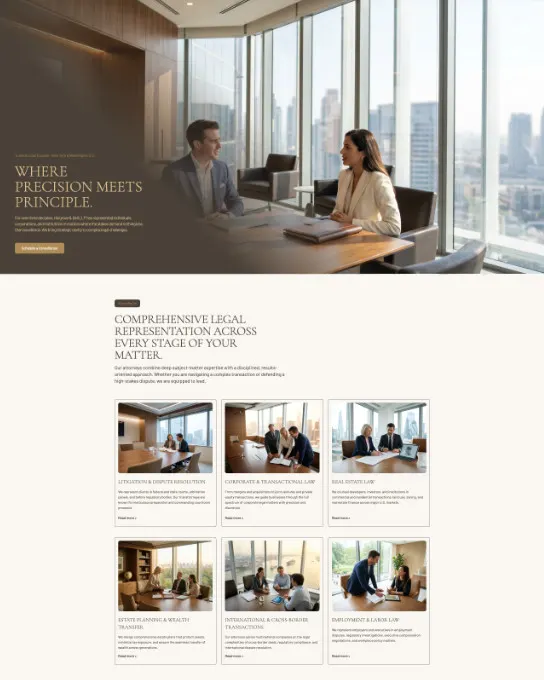
HB Lawyers
Business & Corporate
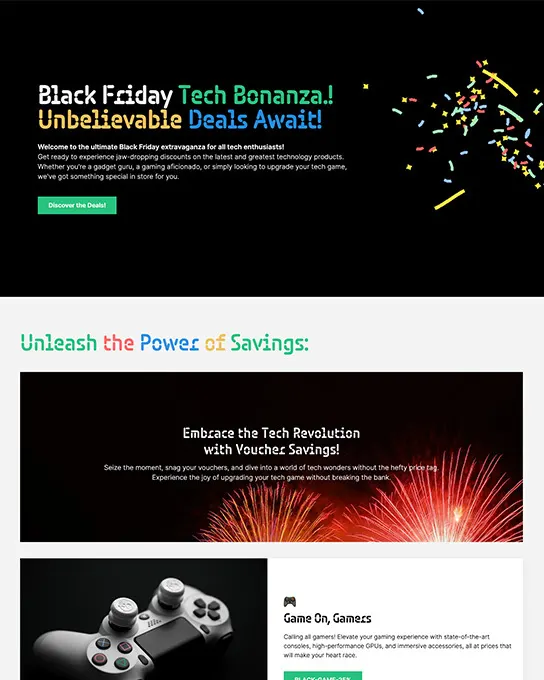
Sales Bonanza
Ecommerce & Retail
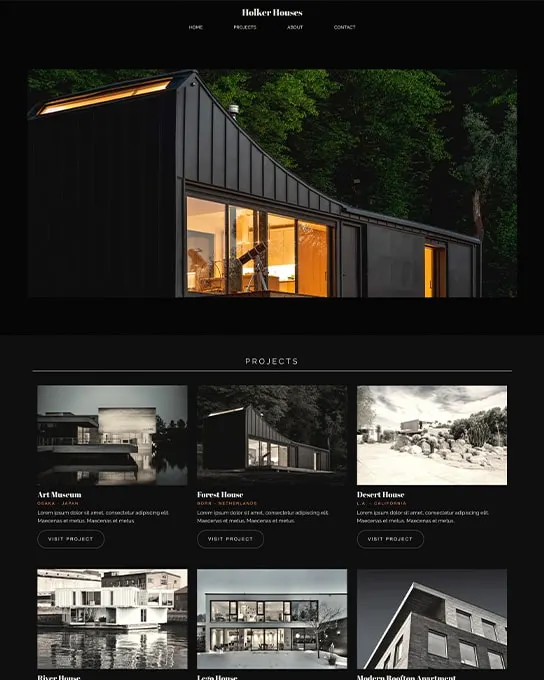
Holker Houses
Portfolio & Agency
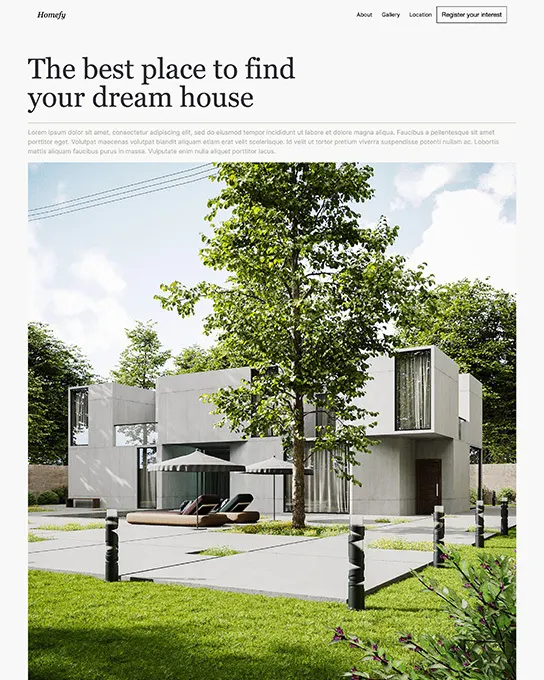
Homefy
Real Estate
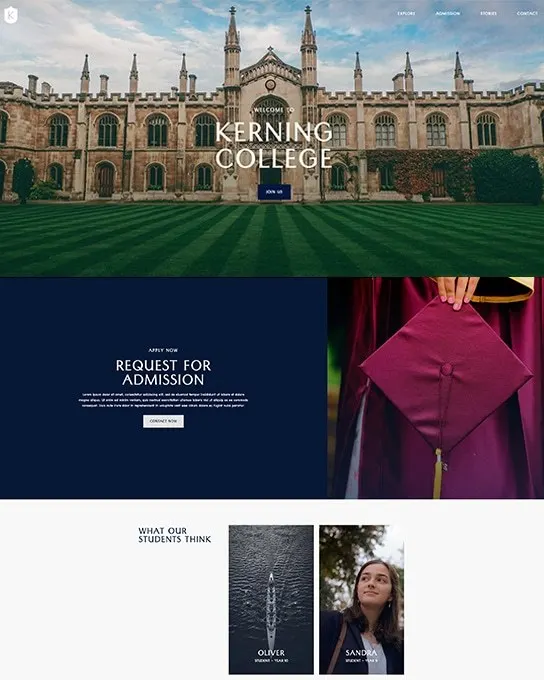
Kerning College
Education & Community
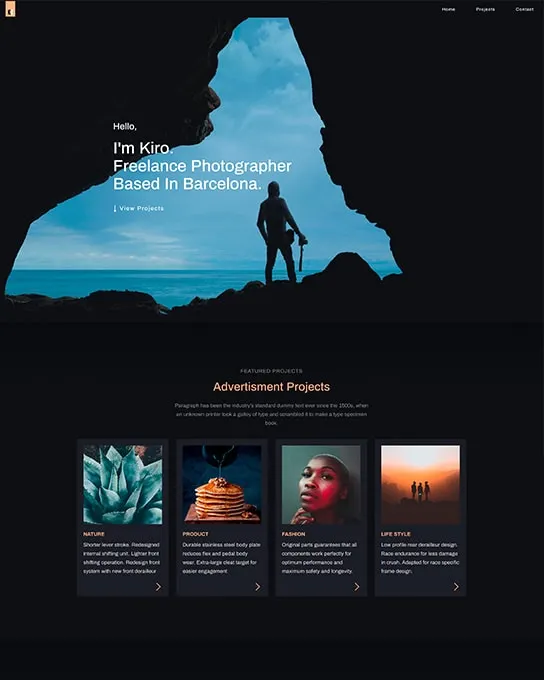
Kiro
Photography & Creative
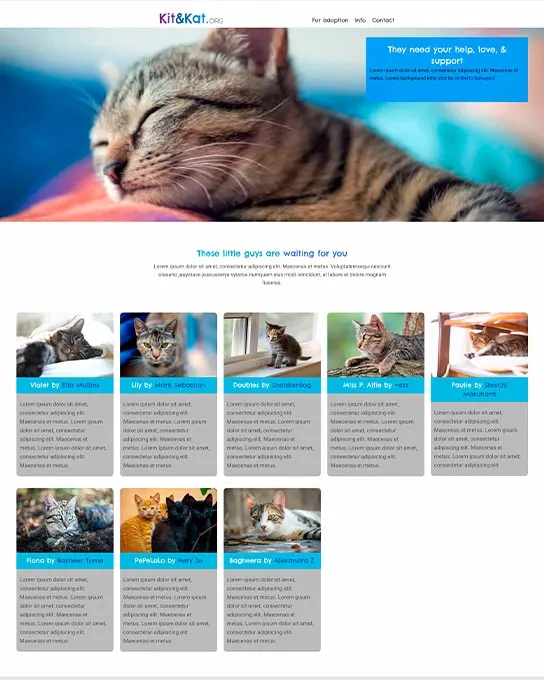
Kit&Kat
Health & Wellness
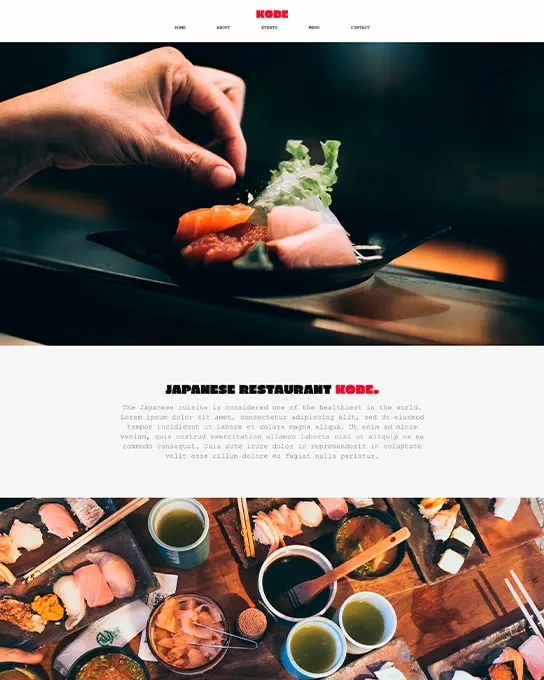
Kobe
Restaurant & Food
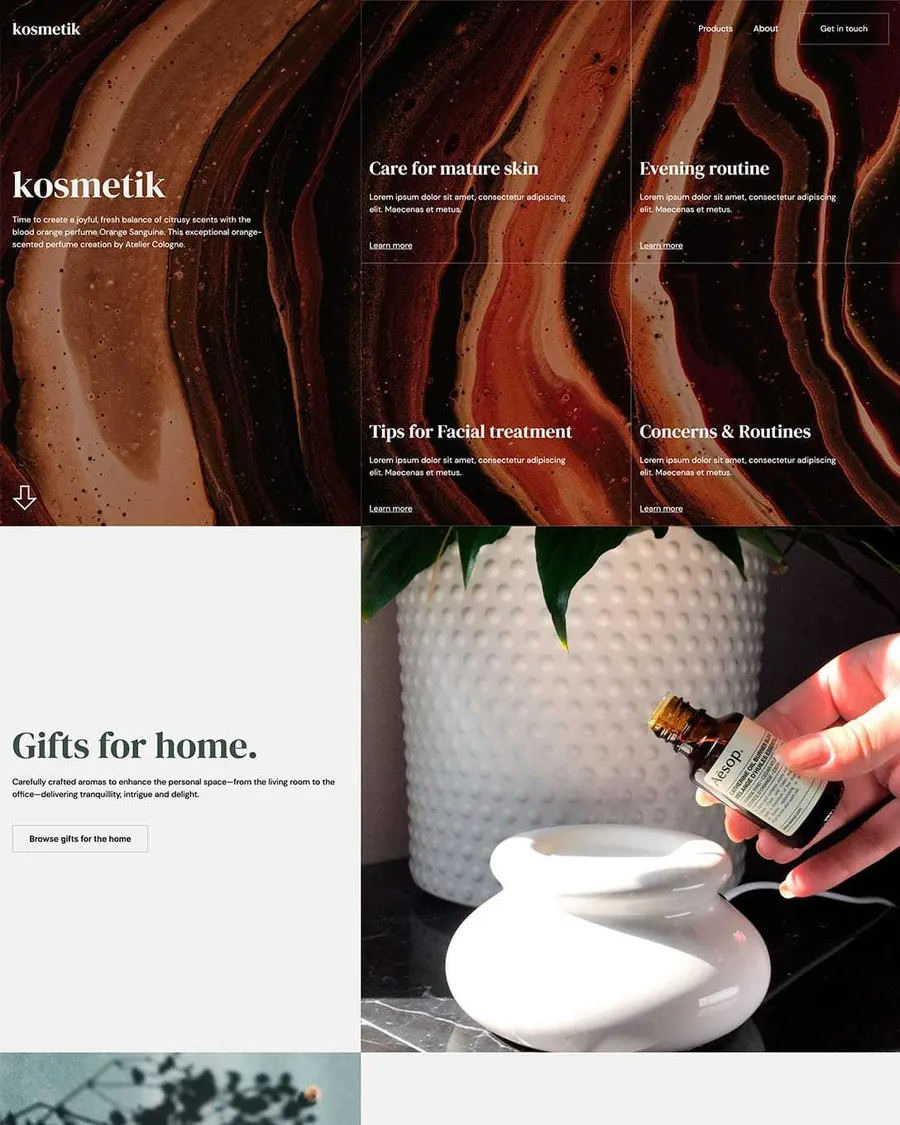
Kosmetik
Ecommerce & Retail
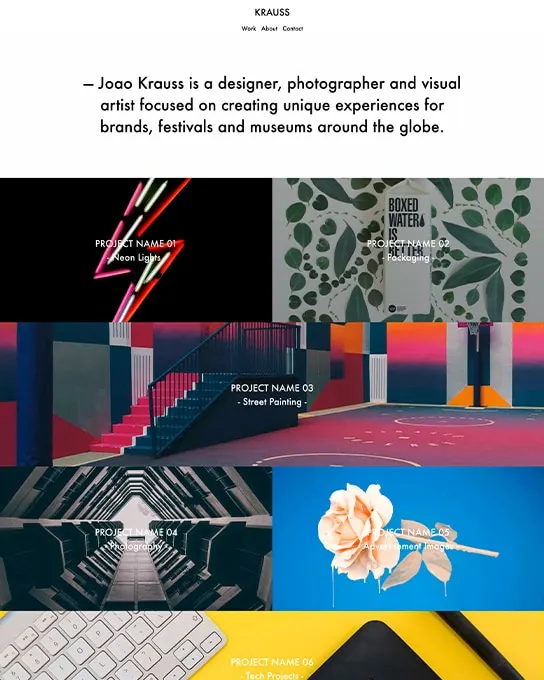
Krauss
Portfolio & Agency
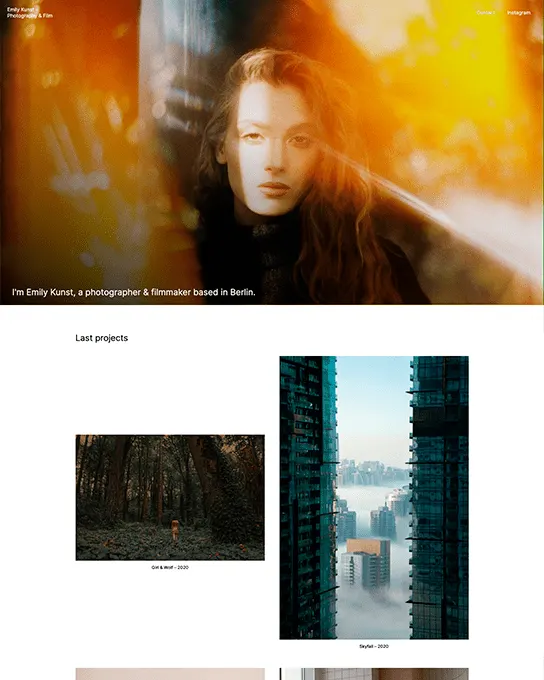
Kunst
Photography & Creative
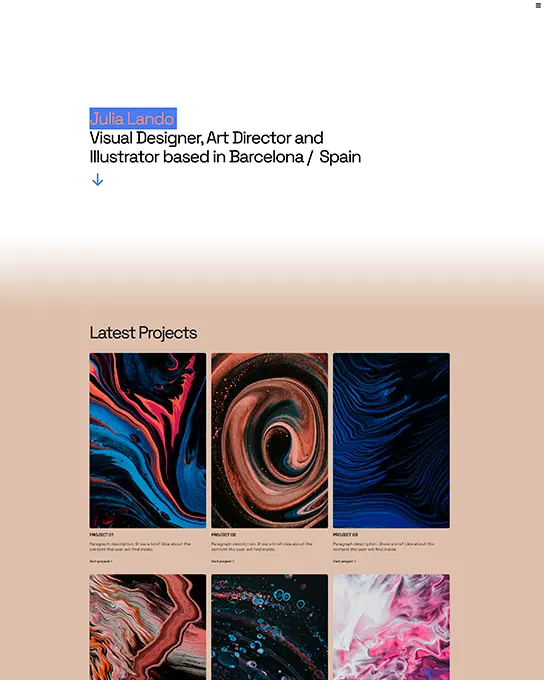
Lando
Portfolio & Agency
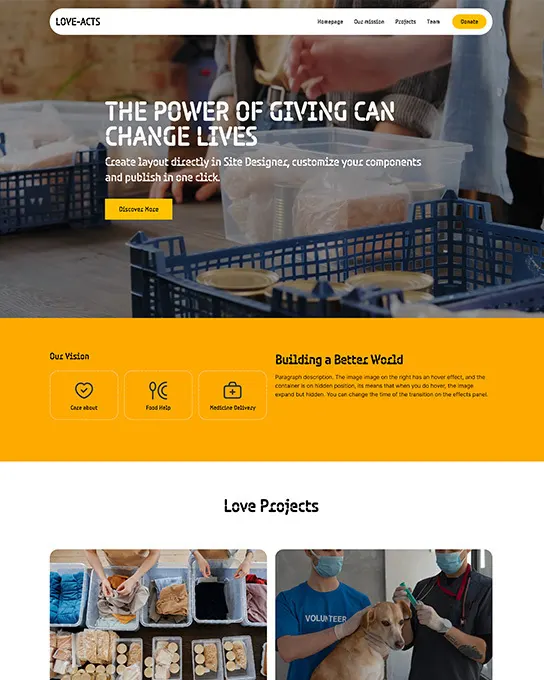
Love Acts
Nonprofit & Charity
Matco
Business & Corporate
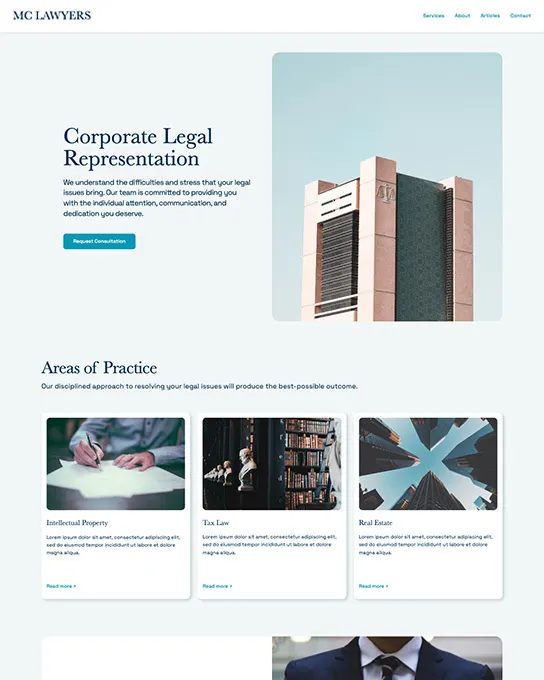
MC Lawyers
Business & Corporate
Menu Exhibit
Education & Community
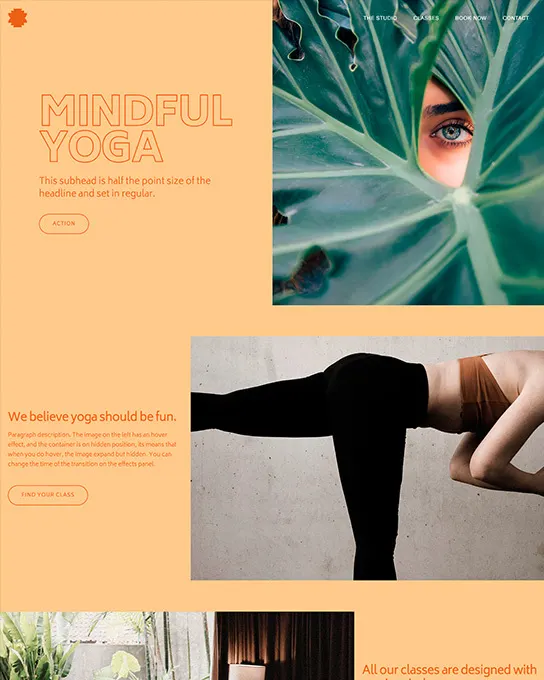
Mindful Yoga
Business & Corporate
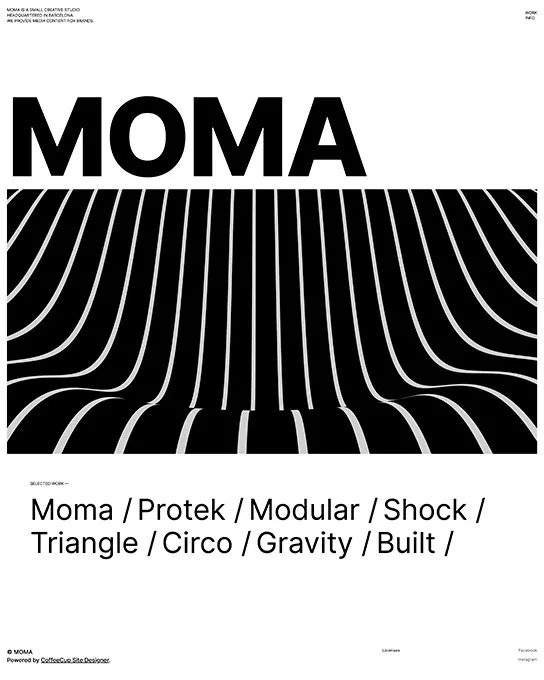
Moma
Business & Corporate
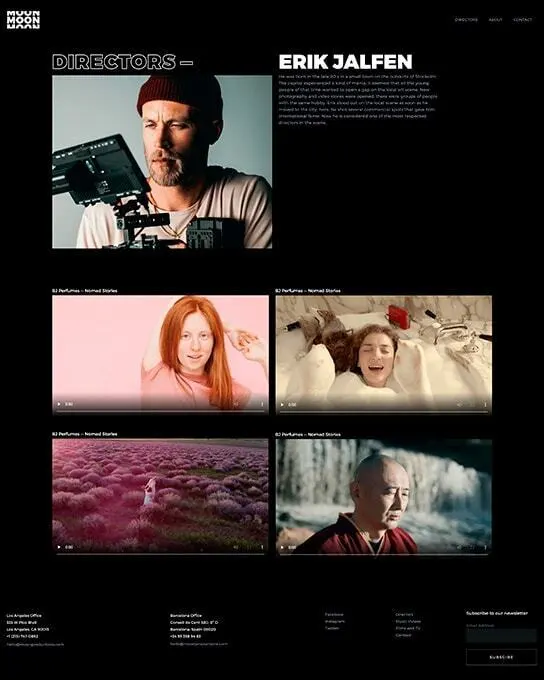
Moon
Business & Corporate
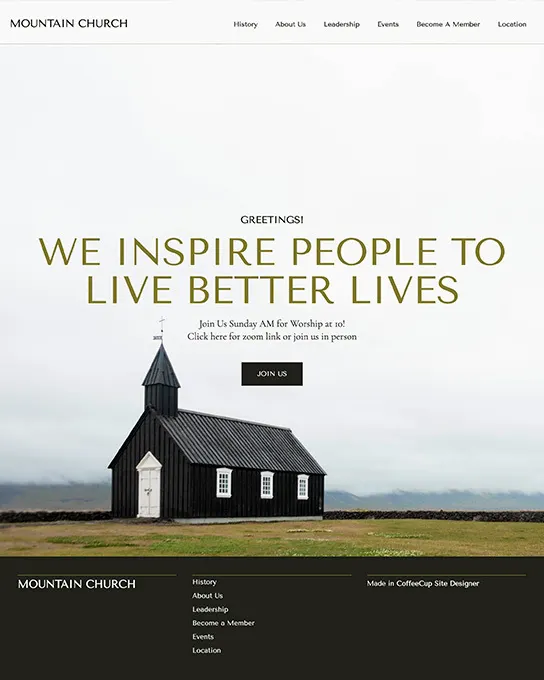
Mountain Church
Nonprofit & Charity
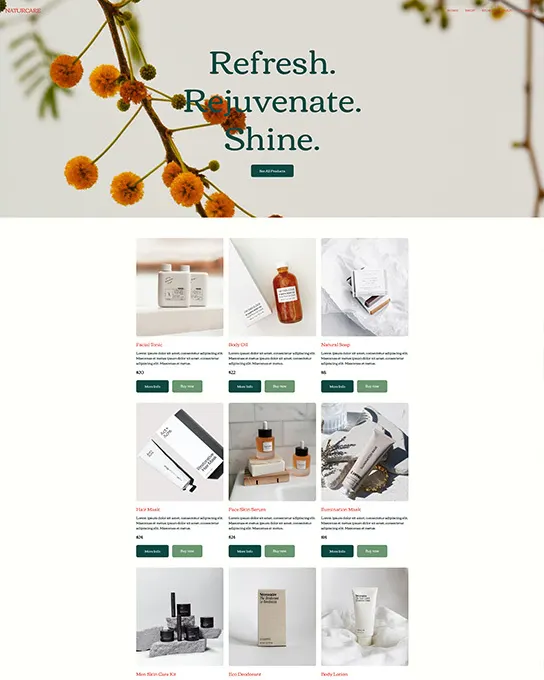
NaturCare
Ecommerce & Retail
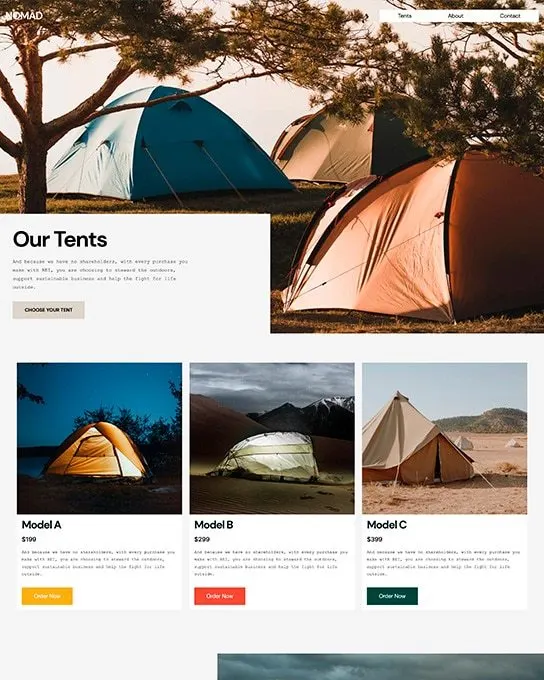
Nomad
Business & Corporate
Northgate
Business & Corporate
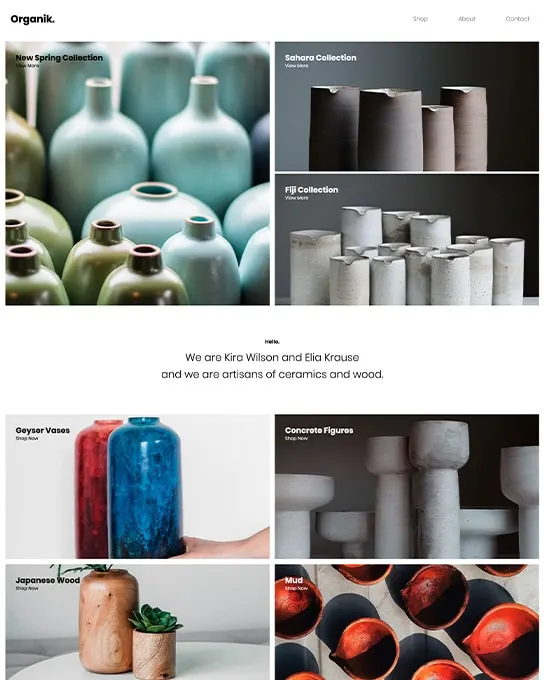
Organik
Ecommerce & Retail
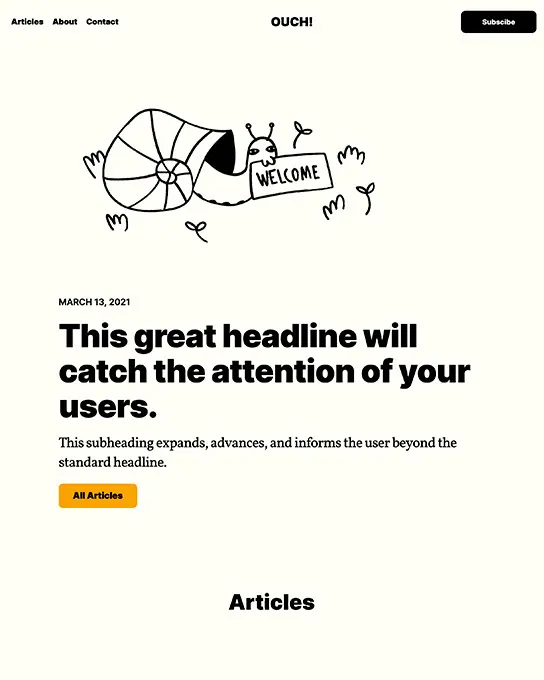
Ouch
Portfolio & Agency
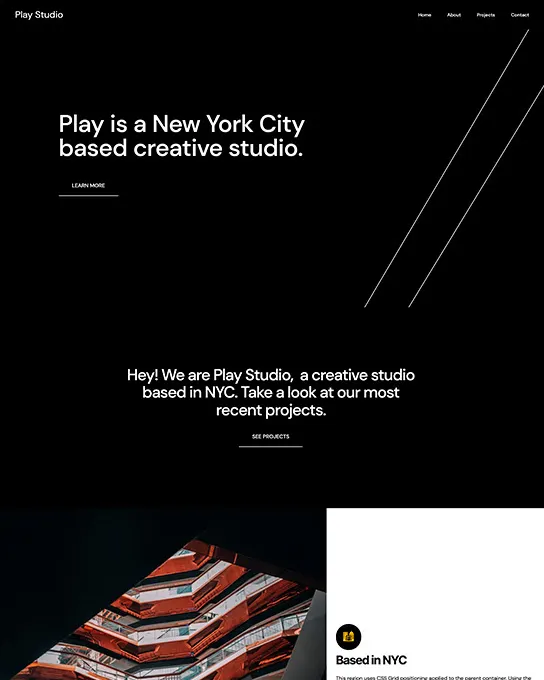
Play Studio
Portfolio & Agency
Quick Start
Education & Community
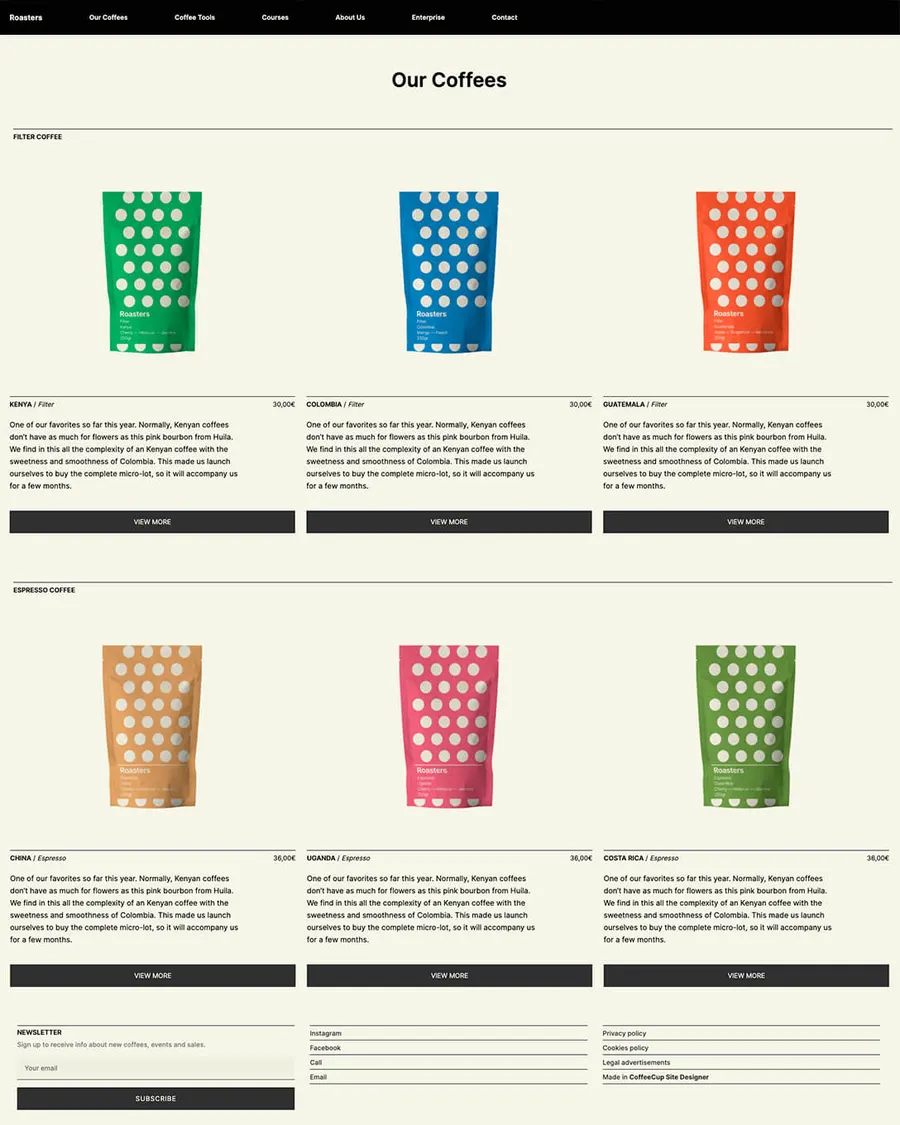
Roasters
Ecommerce & Retail
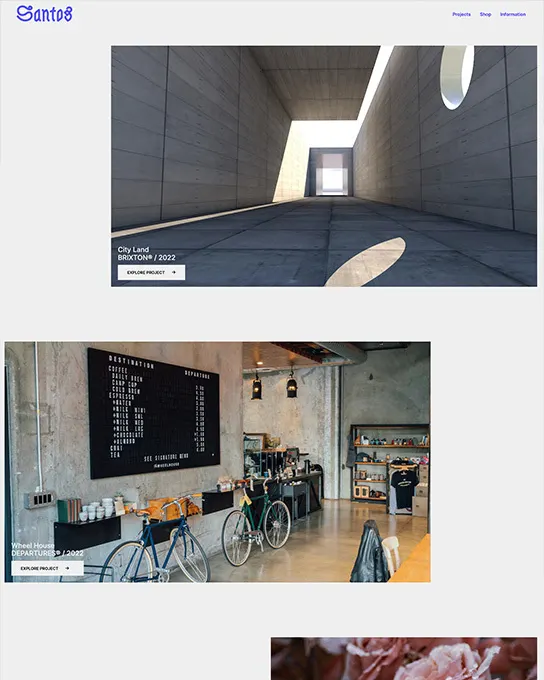
Santos
Business & Corporate
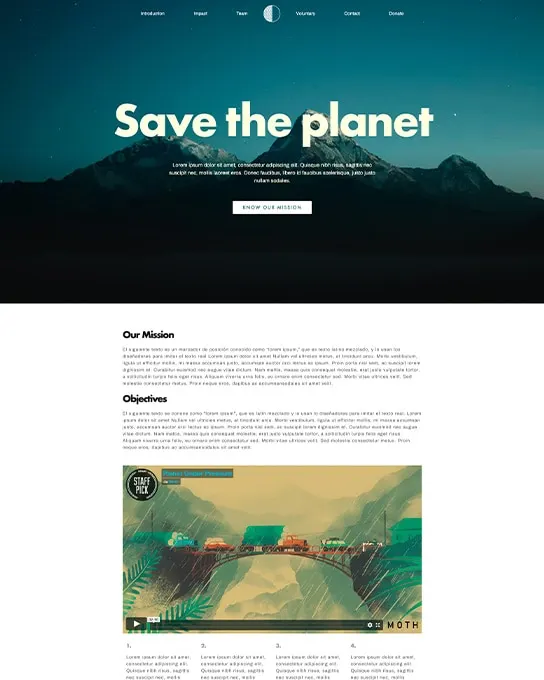
Save the planet
Nonprofit & Charity
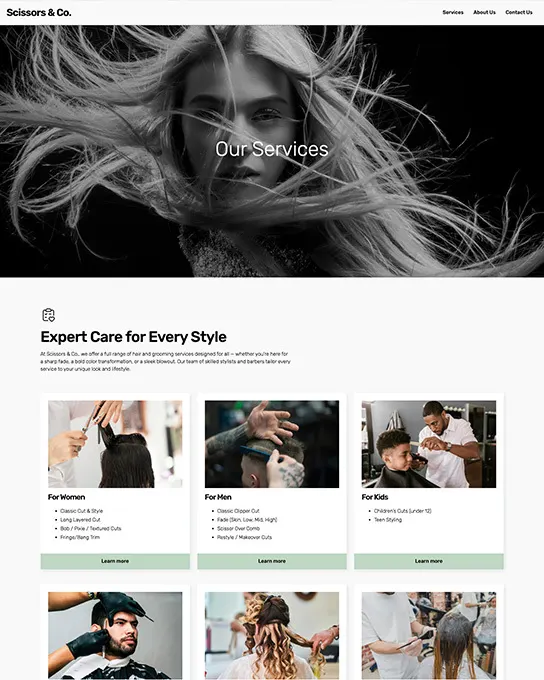
Scissors
Business & Corporate
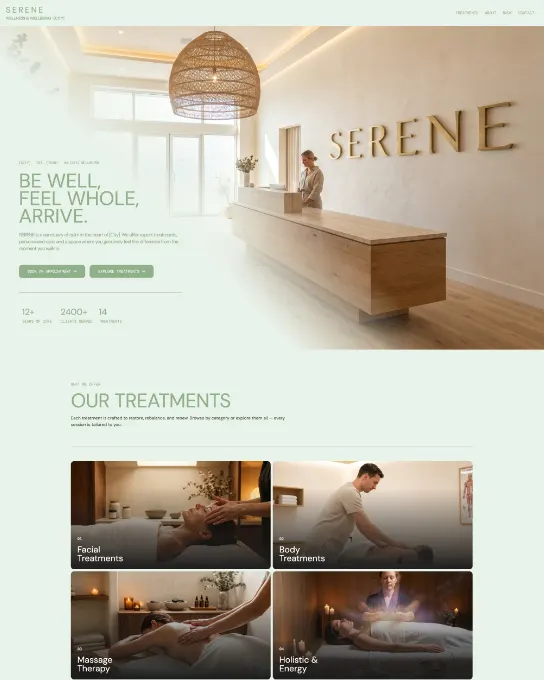
Serene
Business & Corporate
Shine
Business & Corporate
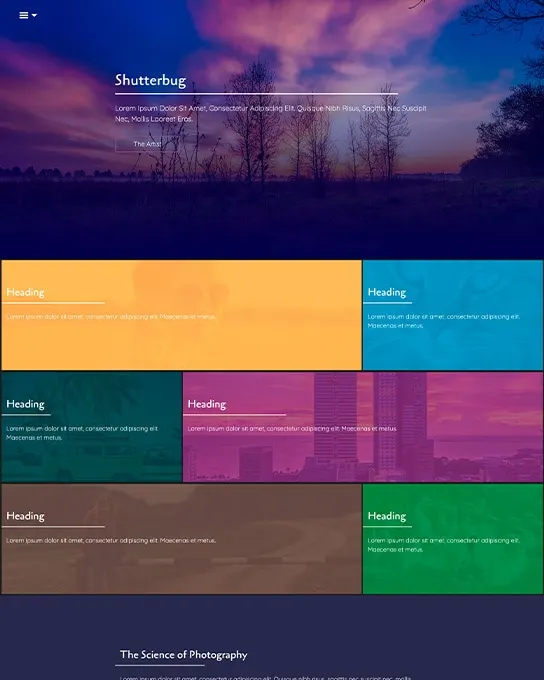
Shutterbug
Portfolio & Agency
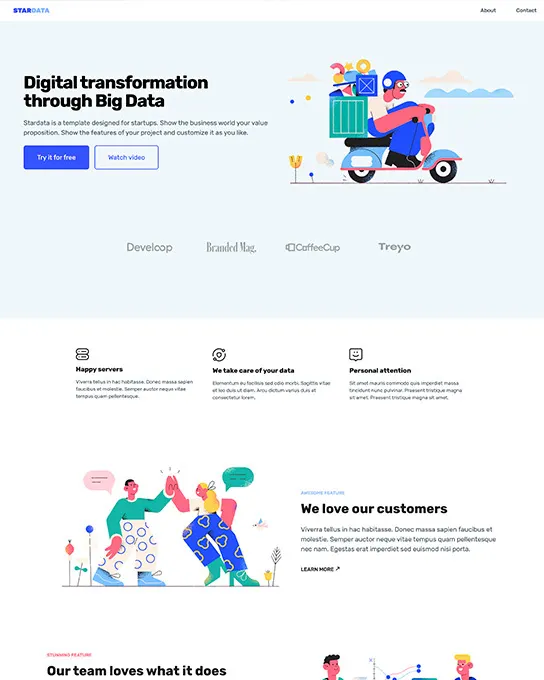
StarData
Business & Corporate
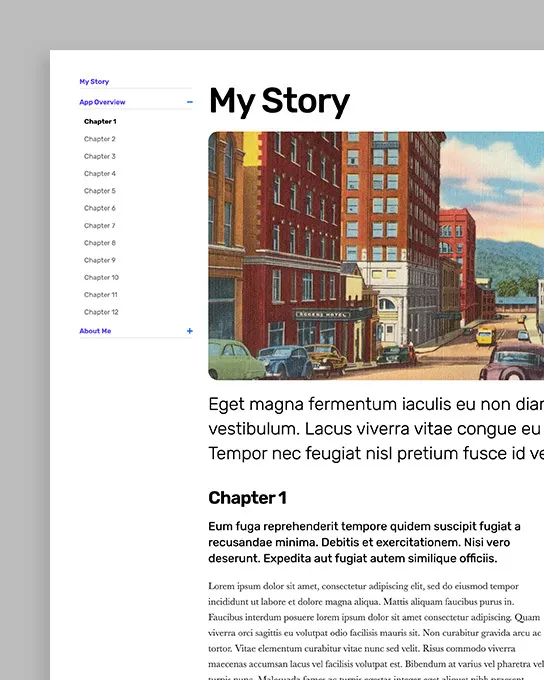
Storybook
Blog & Editorial
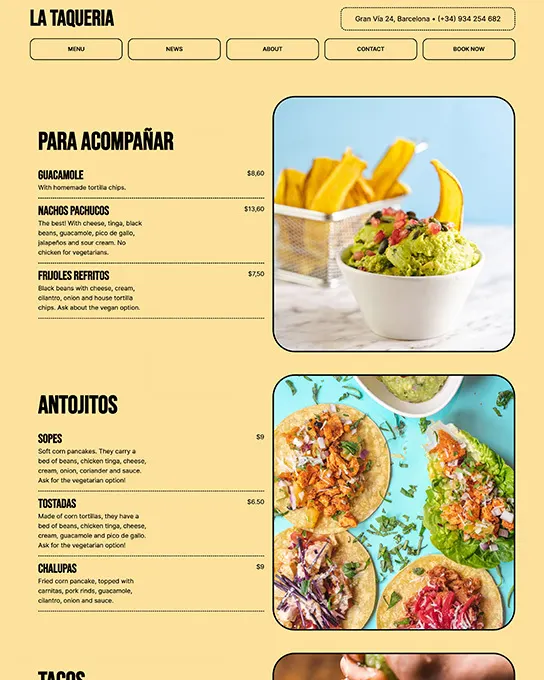
Taqueria
Restaurant & Food
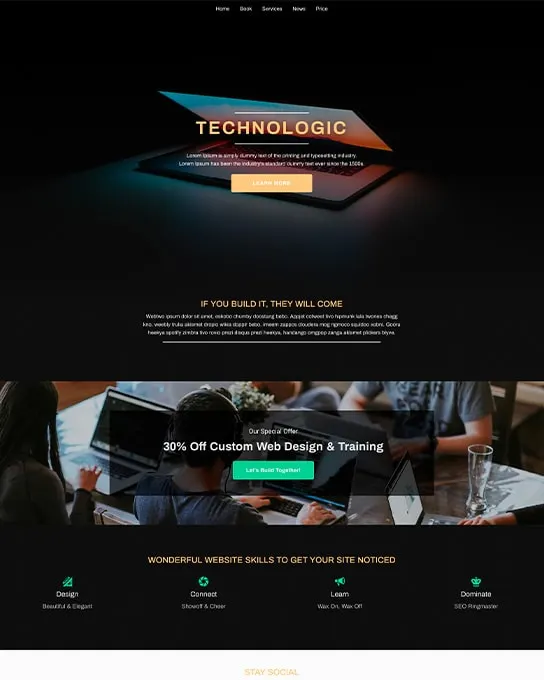
Technologic
Business & Corporate
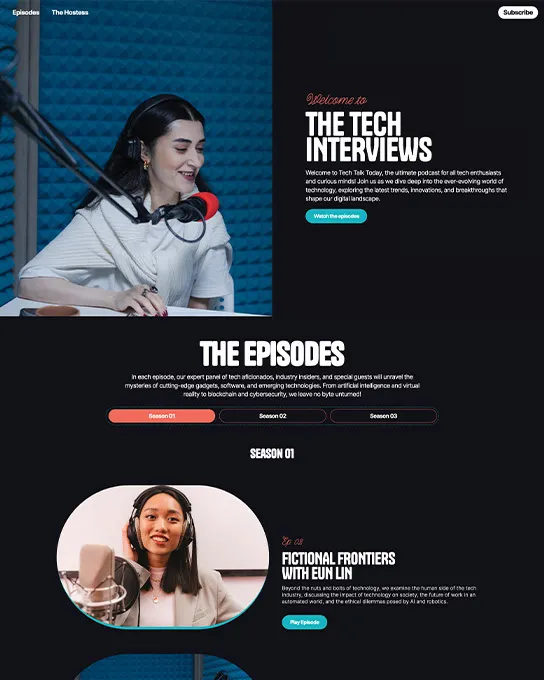
Tech Talk
Education & Community
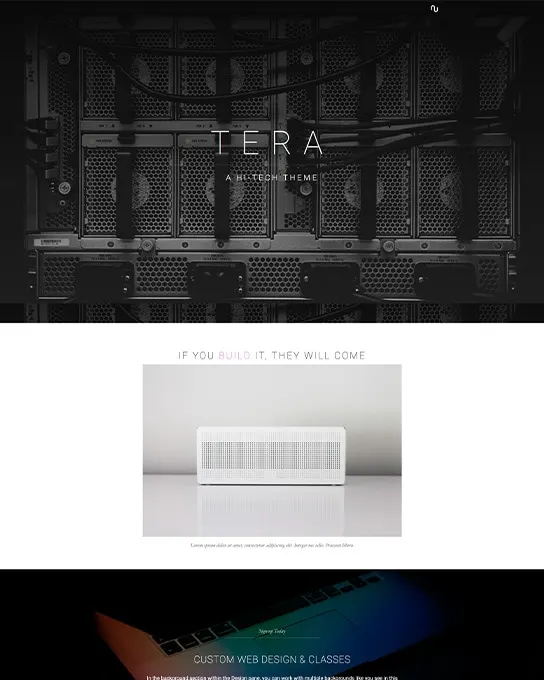
Tera
Business & Corporate
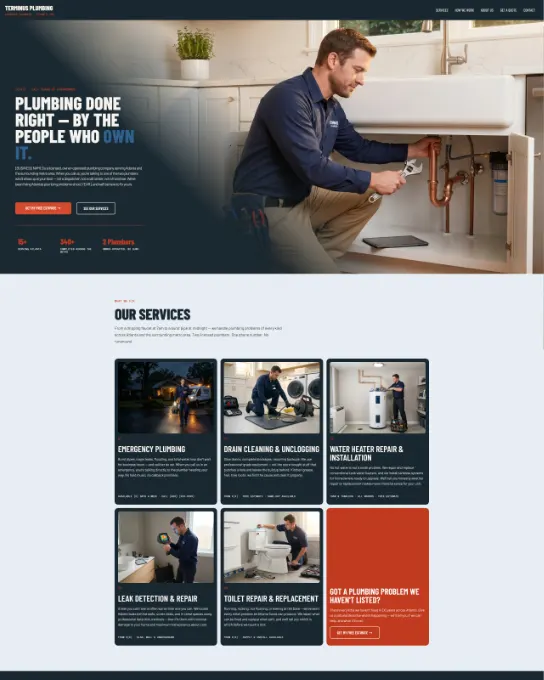
Terminus
Business & Corporate
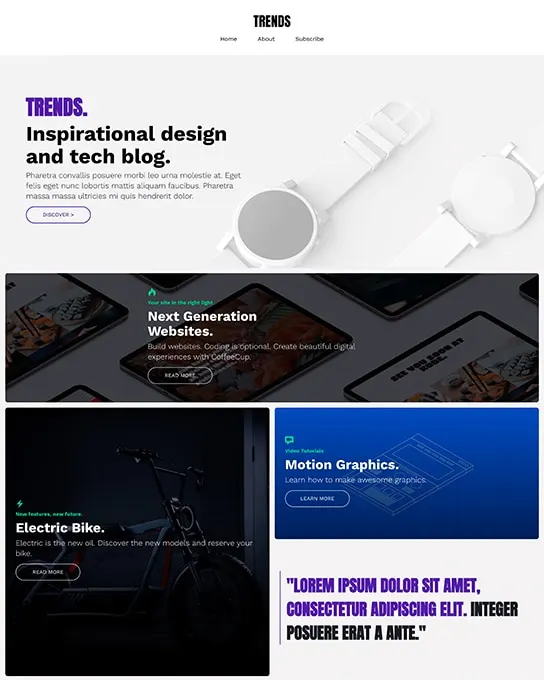
Trends
Blog & Editorial
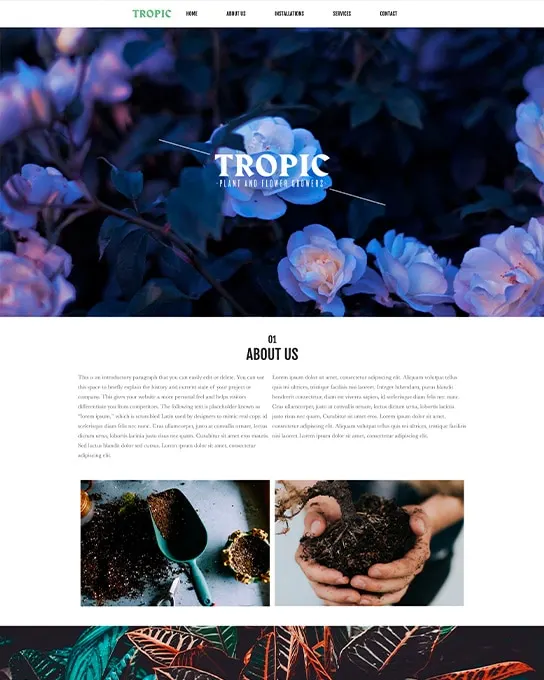
Tropic
Business & Corporate
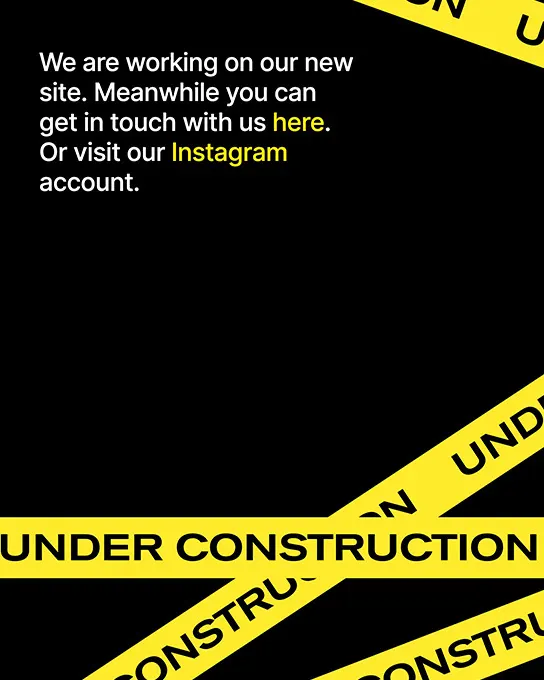
Under Construction
Landing Pages
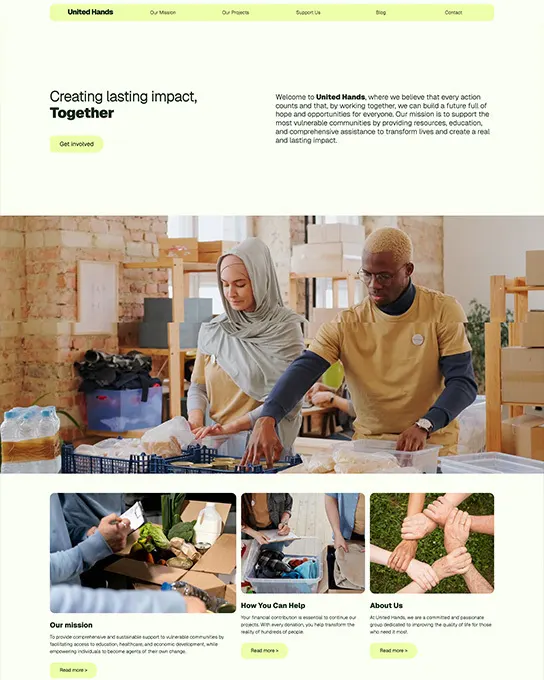
United Hands
Nonprofit & Charity
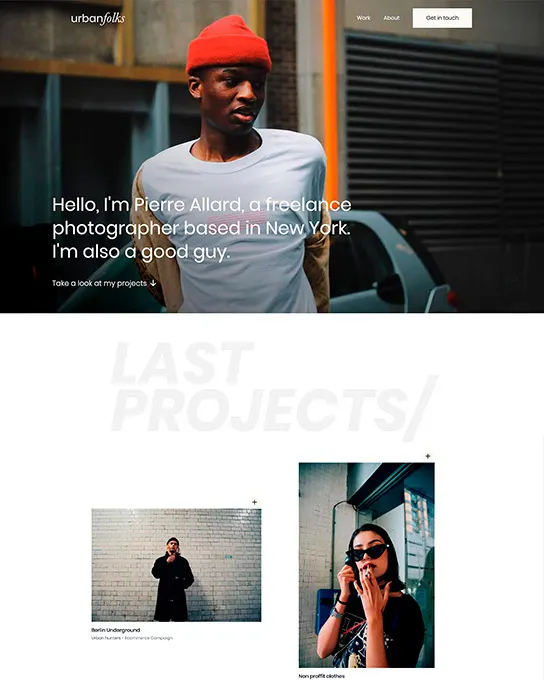
Urban Folks
Portfolio & Agency
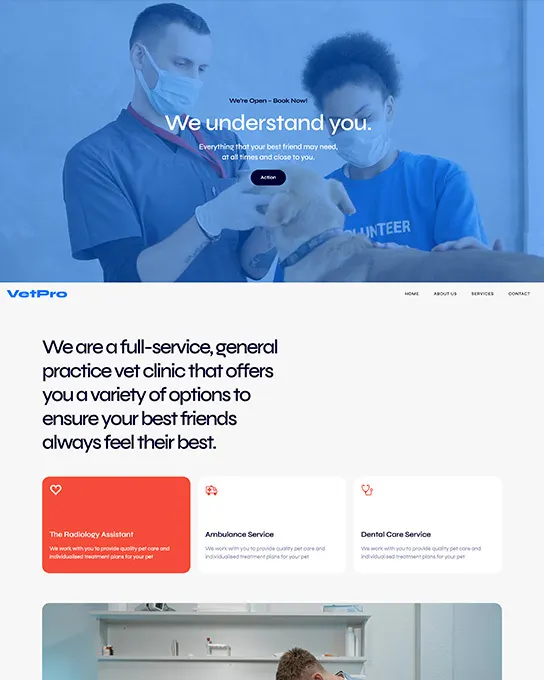
VetPro
Health & Wellness
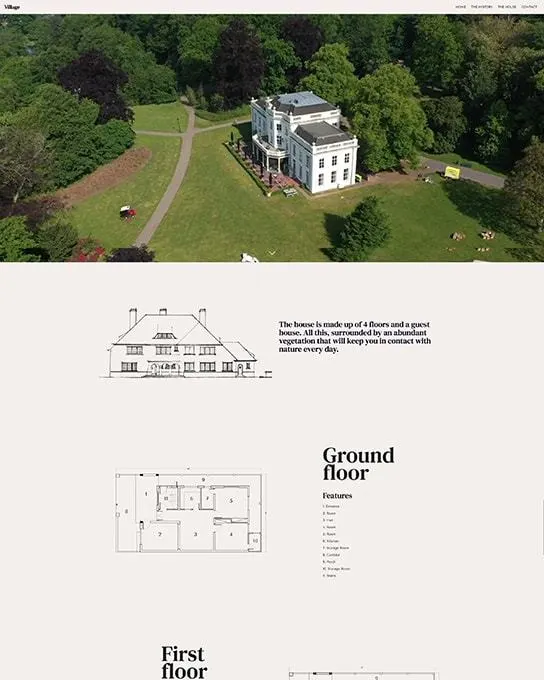
Village
Real Estate
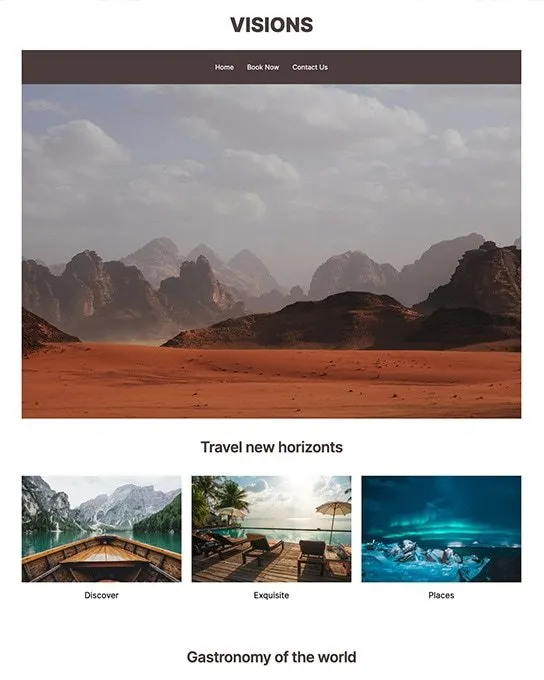
Visions
Education & Community
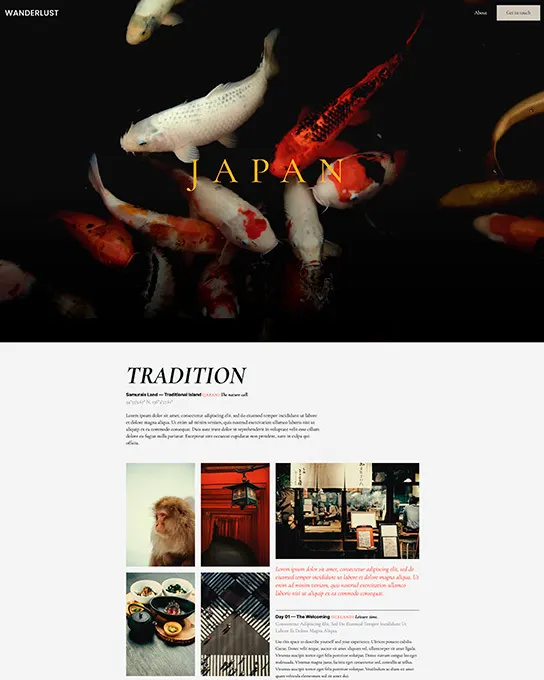
Wanderlust
Personal
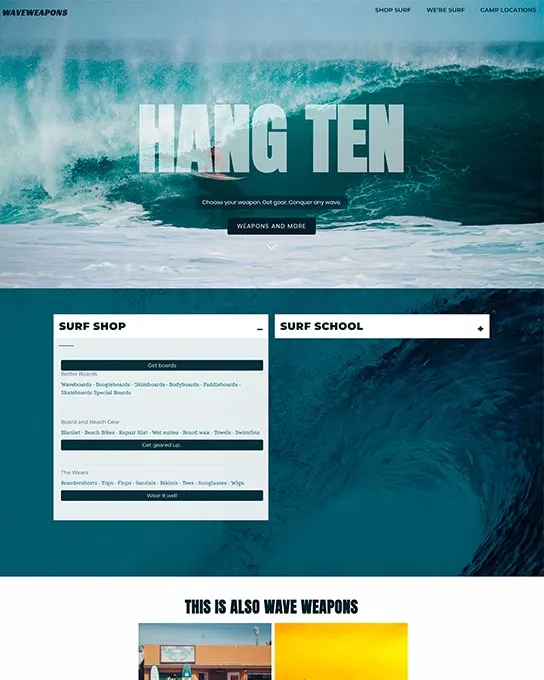
Wave
Ecommerce & Retail
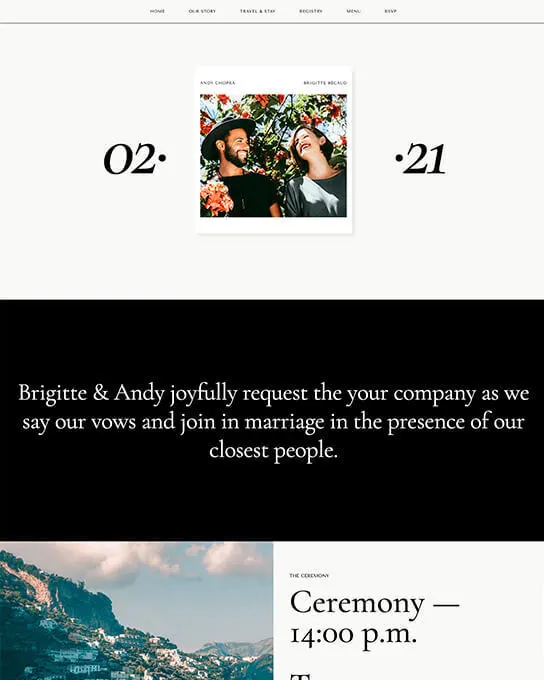
Wedding
Events & Weddings
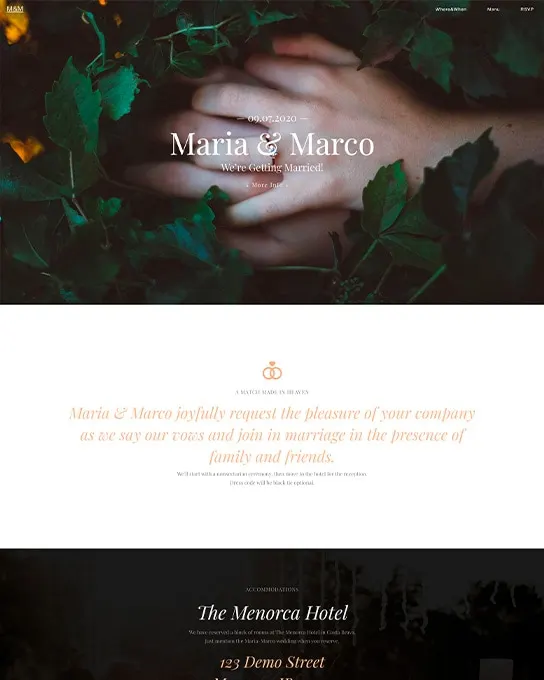
Wedding Bells
Events & Weddings
No close matches found
Try refining your answers or browse all templates.
Browse by category
Find your starting point, organized by the kind of project you're building.
Handpicked
Architek
Real Estate
Cosmos
Portfolio & Agency
Cultural Dopamine
Blog & Editorial
Curated
Ecommerce & Retail
Kerning College
Education & Community
Kobe
Restaurant & Food
Mountain Church
Nonprofit & Charity
StarData
Business & Corporate
Just added
Full catalog
Search, filter, and sort the entire collection.
91 templates
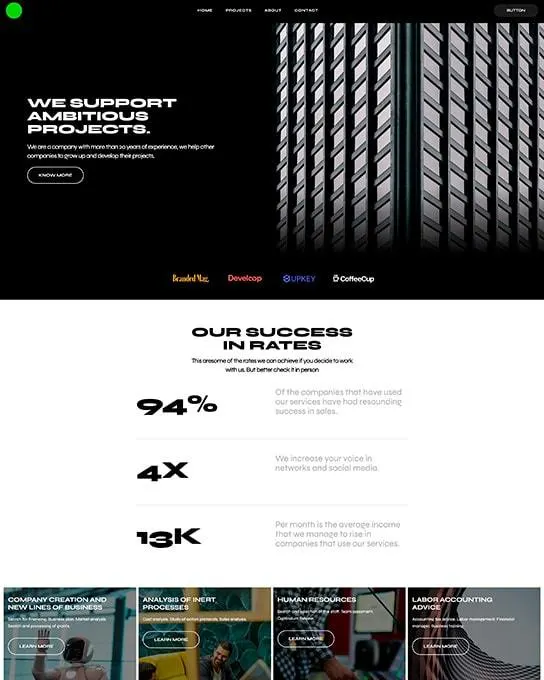
Architek
Real Estate
AutoNest
Business & Corporate
Black Bikes
Ecommerce & Retail
Blocks
Business & Corporate
Both Studio
Portfolio & Agency
Brands
Portfolio & Agency
Carrera Customs
Automotive
Churchy
Nonprofit & Charity
Cloud
Blog & Editorial
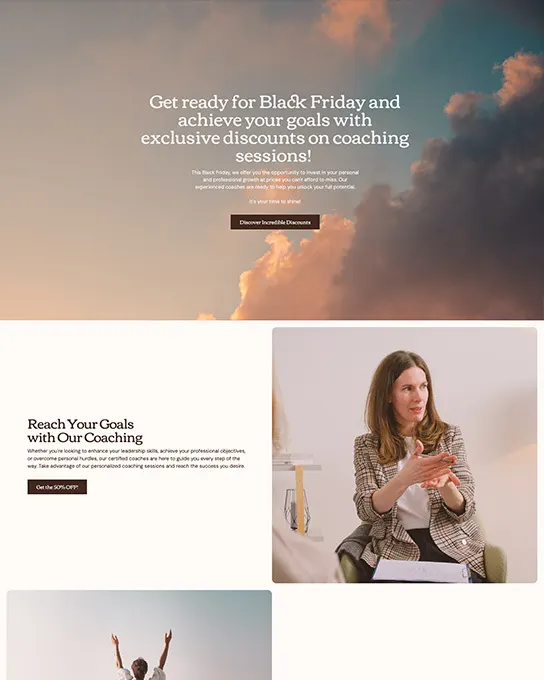
Coach
Landing Pages
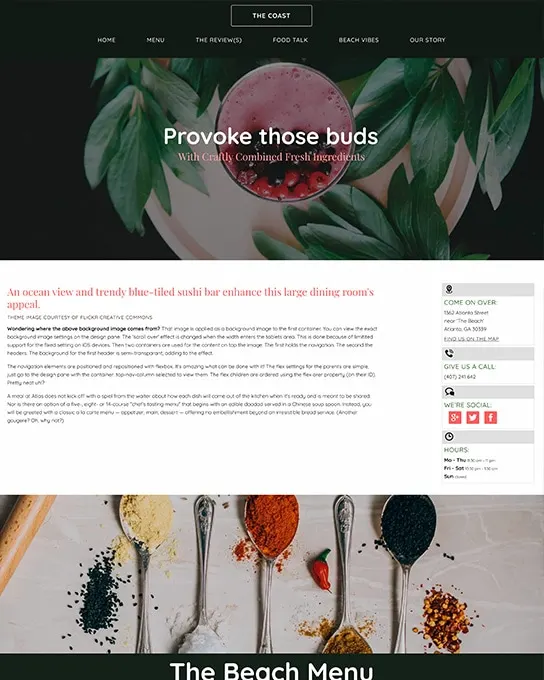
The Coast
Restaurant & Food
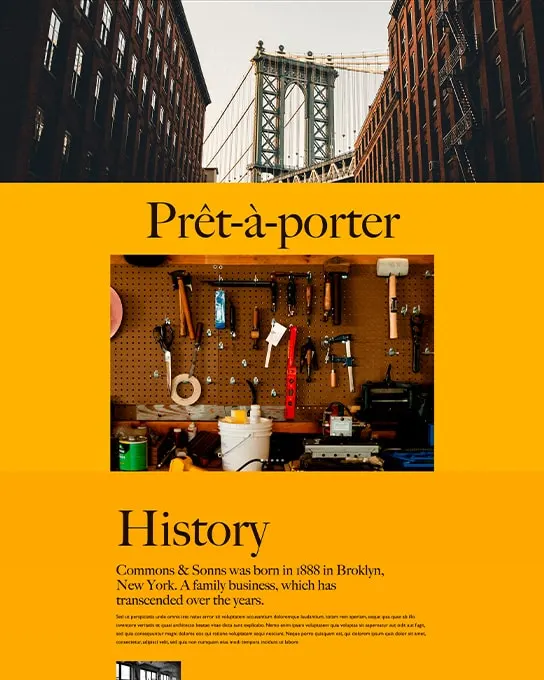
Commons
Landing Pages
Company One
Business & Corporate
Construction
Business & Corporate
Cosmos
Portfolio & Agency
Crypto
Business & Corporate
Crystal Clear
Business & Corporate
Cubiko
Ecommerce & Retail
Cultural Dopamine
Blog & Editorial
Curated
Ecommerce & Retail
Dart
Portfolio & Agency
Eventos
Events & Weddings
Fabulous Fonts
Education & Community
Firefile Startup
Business & Corporate
Fitcross
Business & Corporate
Florence
Ecommerce & Retail
Flux
Portfolio & Agency
Forest
Landing Pages
Forever
Events & Weddings
Frame
Portfolio & Agency
Furns
Ecommerce & Retail
Gift Guide
Ecommerce & Retail
GoCamp
Business & Corporate
Gougly Mougly
Ecommerce & Retail
Green Hills
Business & Corporate
Greenfield Church
Nonprofit & Charity
Hacksaw
Business & Corporate
Handbook
Education & Community
HB Lawyers
Business & Corporate
Sales Bonanza
Ecommerce & Retail
Holker Houses
Portfolio & Agency
Homefy
Real Estate
Kerning College
Education & Community
Kiro
Photography & Creative
Kit&Kat
Health & Wellness
Kobe
Restaurant & Food
Kosmetik
Ecommerce & Retail
Krauss
Portfolio & Agency
Kunst
Photography & Creative
Lando
Portfolio & Agency
Love Acts
Nonprofit & Charity
Matco
Business & Corporate
MC Lawyers
Business & Corporate
Menu Exhibit
Education & Community
Mindful Yoga
Business & Corporate
Moma
Business & Corporate
Moon
Business & Corporate
Mountain Church
Nonprofit & Charity
NaturCare
Ecommerce & Retail
Nomad
Business & Corporate
Northgate
Business & Corporate
Organik
Ecommerce & Retail
Ouch
Portfolio & Agency
Play Studio
Portfolio & Agency
Quick Start
Education & Community
Roasters
Ecommerce & Retail
Santos
Business & Corporate
Save the planet
Nonprofit & Charity
Scissors
Business & Corporate
Serene
Business & Corporate
Shine
Business & Corporate
Shutterbug
Portfolio & Agency
StarData
Business & Corporate
Storybook
Blog & Editorial
Taqueria
Restaurant & Food
Technologic
Business & Corporate
Tech Talk
Education & Community
Tera
Business & Corporate
Terminus
Business & Corporate
Trends
Blog & Editorial
Tropic
Business & Corporate
Under Construction
Landing Pages
United Hands
Nonprofit & Charity
Urban Folks
Portfolio & Agency
VetPro
Health & Wellness
Village
Real Estate
Visions
Education & Community
Wanderlust
Personal
Wave
Ecommerce & Retail
Wedding
Events & Weddings
Wedding Bells
Events & Weddings
No results match these filters
Try removing one of the active filters, or clearing the search, to see more results.
Drop in professionally designed UI blocks — heroes, navbars, pricing tables, galleries — and keep your full Site Designer workflow intact.
Heroes
12+ blocks
Navbars
18+ blocks
Pricing
8+ blocks
Forms
14+ blocks
Footers
10+ blocks
Galleries
16+ blocks
Built for Site Designer
Download a template, open it in Site Designer, and make it yours visually — drag, drop and restyle every section, with no code required.
Free tutorial · Site Designer Guide
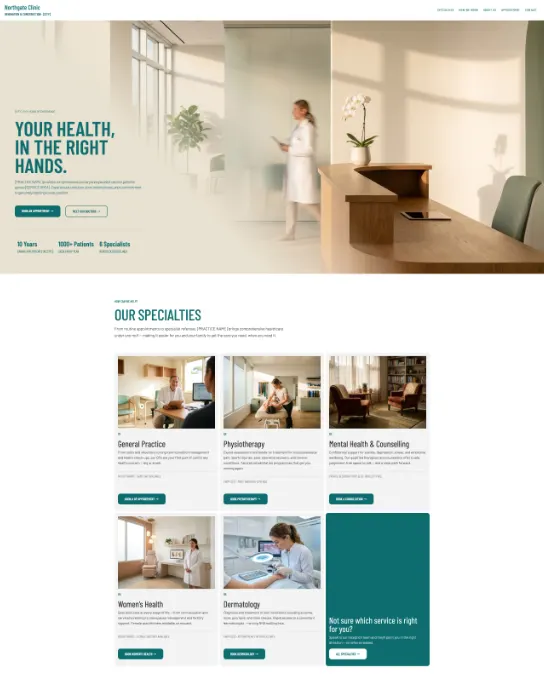
Turn any template into a real site — swap the images, update the copy, and publish. The Guide's free, illustrated walkthrough uses Northgate, a free template right here in the catalog, but the same steps work for any template you pick.
 (opens in a new tab)
Tutorial example
Northgate → live site
FAQ
The CoffeeCup Template Store is the official catalog of website and email templates made by CoffeeCup Software. It offers 91 free responsive site templates built for Site Designer, 50 free responsive email templates for Responsive Email Designer, and 41 website components (free and premium), plus CoffeeCup's desktop apps and money-saving software bundles.
Yes. All 91 site templates in the store are free to download. Each one is a Site Designer theme file you download directly from its template page — no checkout and no account needed. You only need CoffeeCup Site Designer to open and edit it.
You need CoffeeCup Site Designer, a visual desktop website builder. Open the downloaded template file in Site Designer, then change layouts, text, fonts and colors by clicking instead of writing code. Site Designer has a free trial, and the full version costs $99.
Yes. Every template is responsive, from phones to wide desktop screens, and you can fine-tune each breakpoint in Site Designer. Templates per framework: Frameworkless (59), Foundation (14), Materialize (11), Bootstrap (7).
Use the Template Finder: answer five quick questions about your industry, goal, style, features and size, and it ranks the catalog by match percentage. You can also browse all 91 templates across 14 industry categories and filter by style, features and framework.
The official Site Designer Quick Start tutorial takes you from a downloaded template to a live site in 12 steps, in about 5–10 minutes, and it's aimed at beginners. It uses the free Northgate template from this store as its example.
Open the Quick Start tutorial (opens in a new tab)Need something custom?
Our team builds it for you — from concept to launch.
Talk to Sitekick Studio