
Block Tabs
Navbar
Website Components
Import. Customize. Savor.
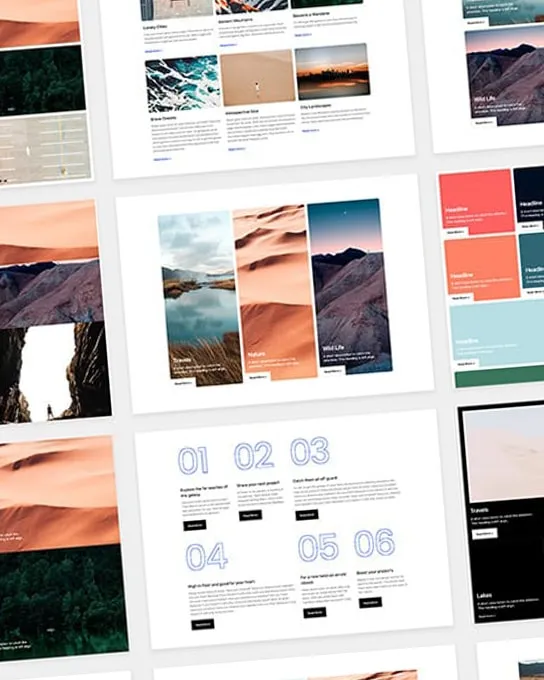
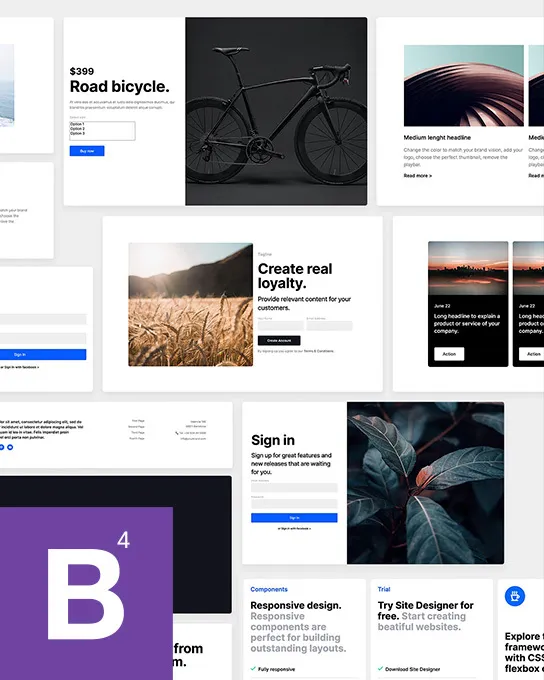
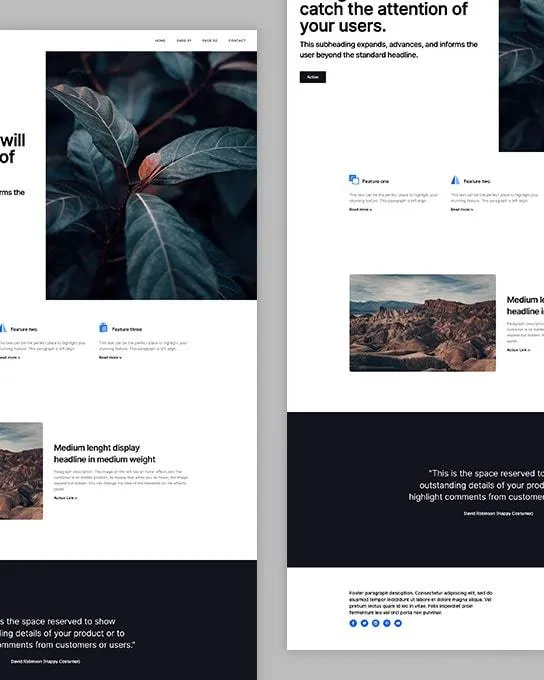
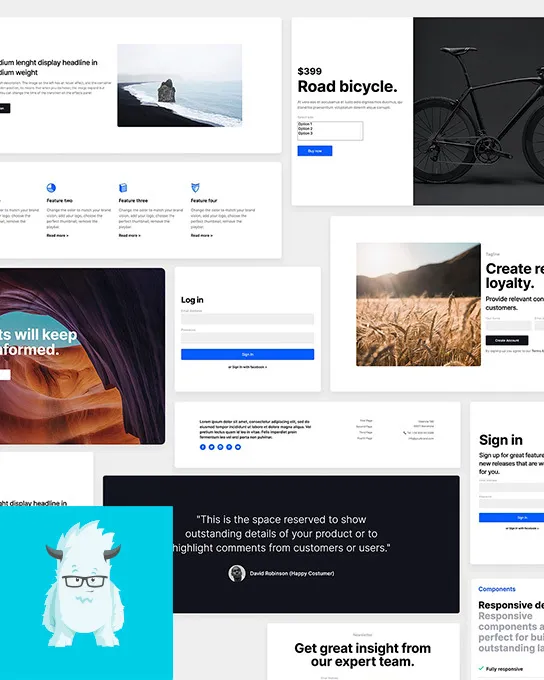
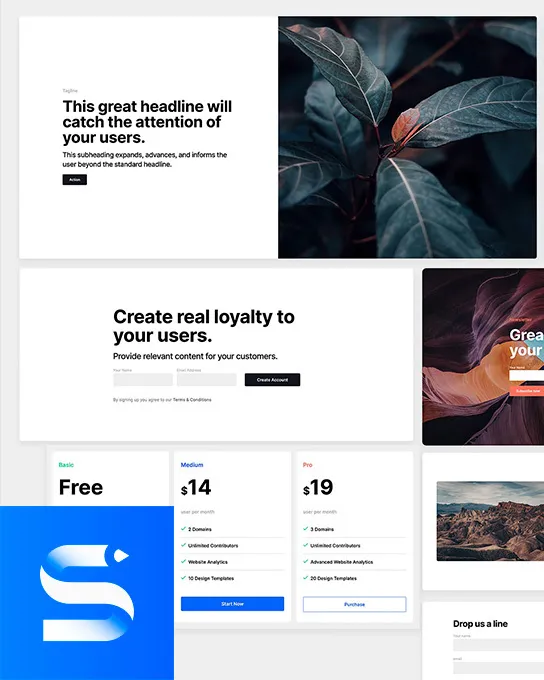
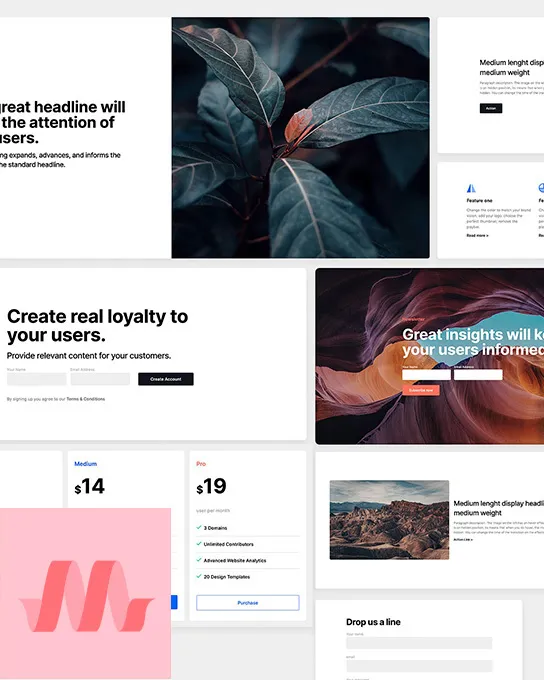
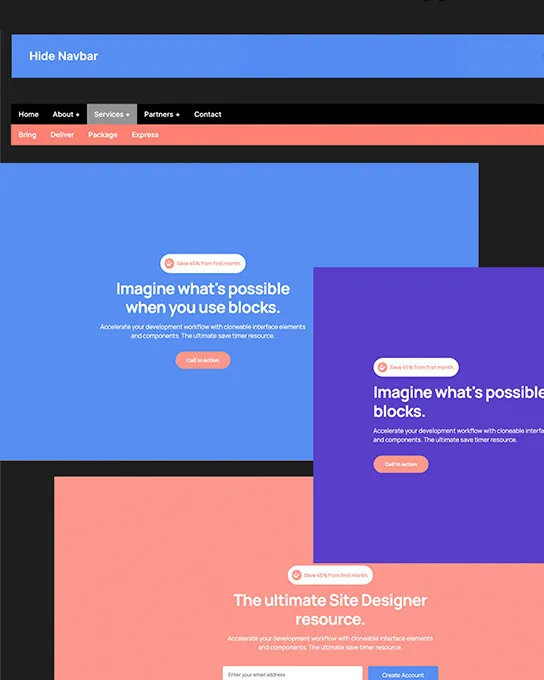
Make your vision a reality in minutes using complimentary, customizable web components. Save your favorite features to your library. Import them into your Site Designer projects. Modify them visually to fit your brand and content.
29 free components · 12 deluxe packs
Browse by type
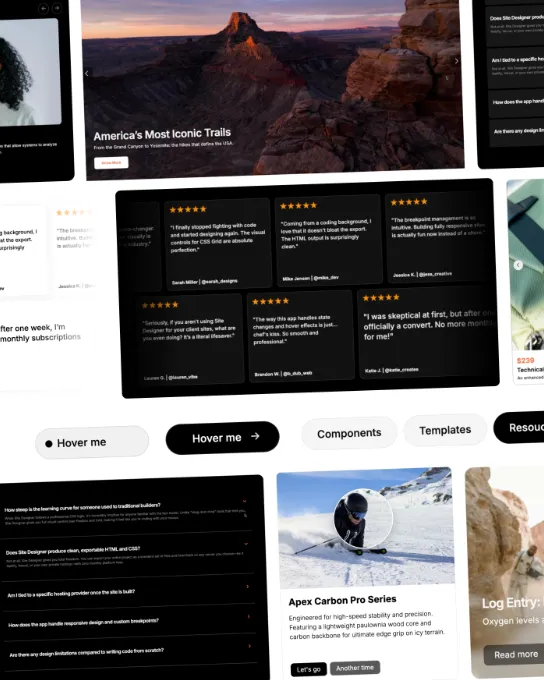
Navbars, heroes, pricing tables, testimonials and more.
Free Web Components
Search, filter by type and framework, and sort.
29 components
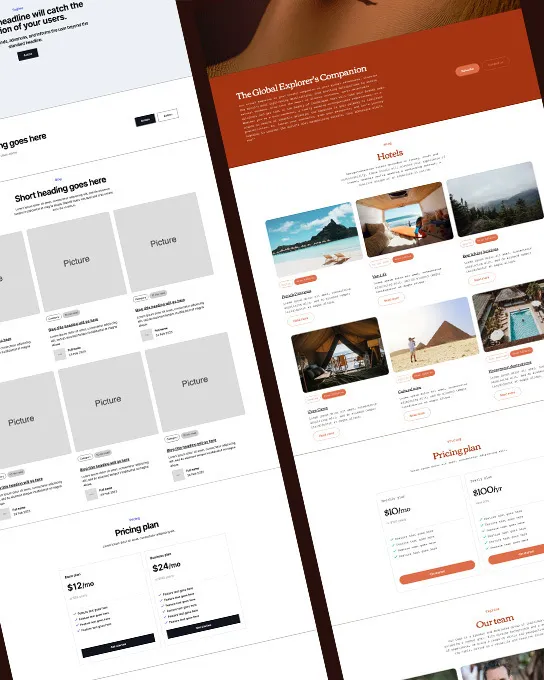
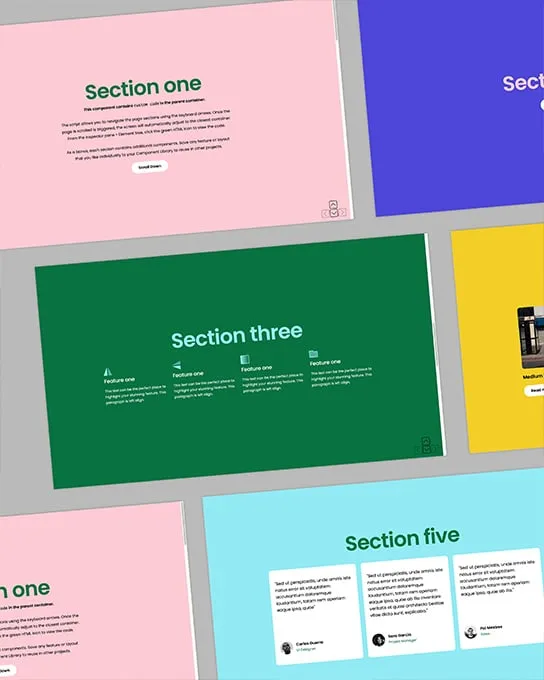
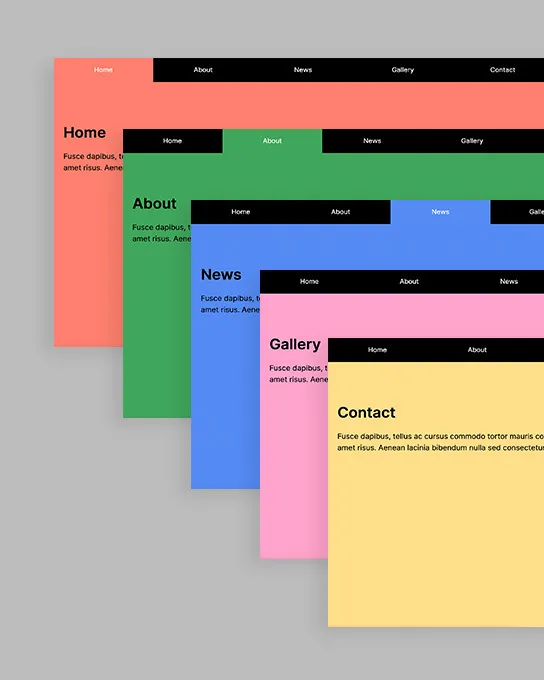
Block Tabs
Navbar
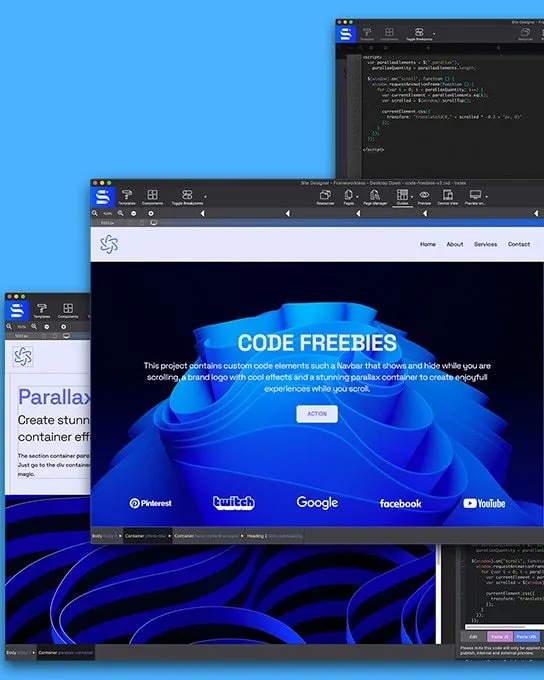
Blue Wave
Navbar
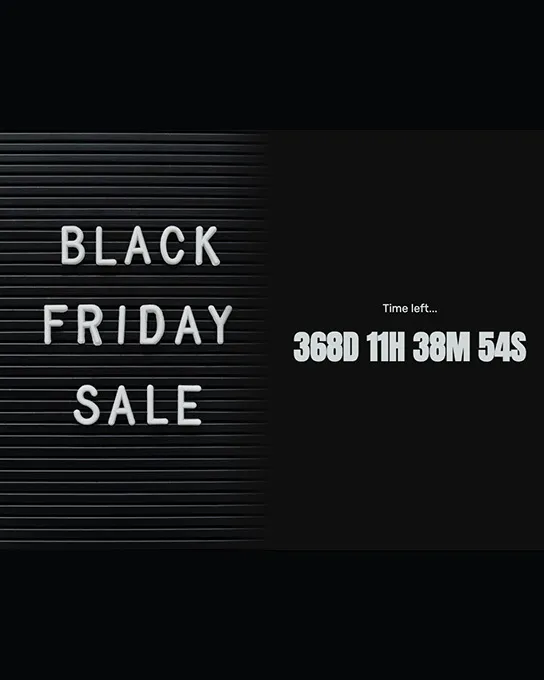
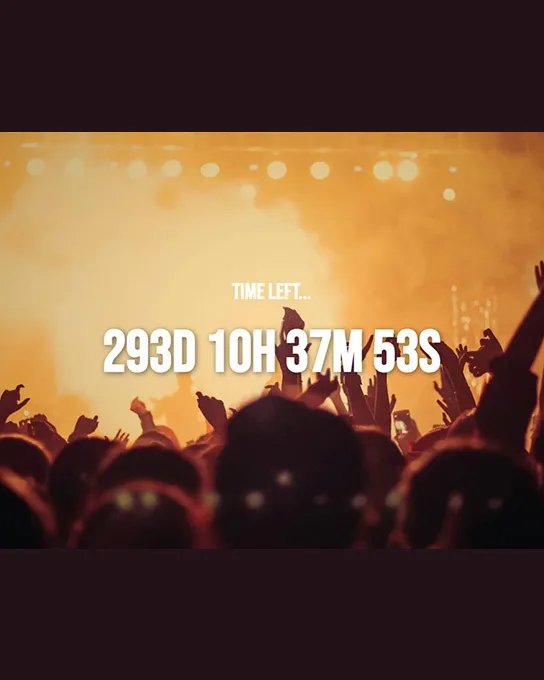
Countdown Clock
CTA
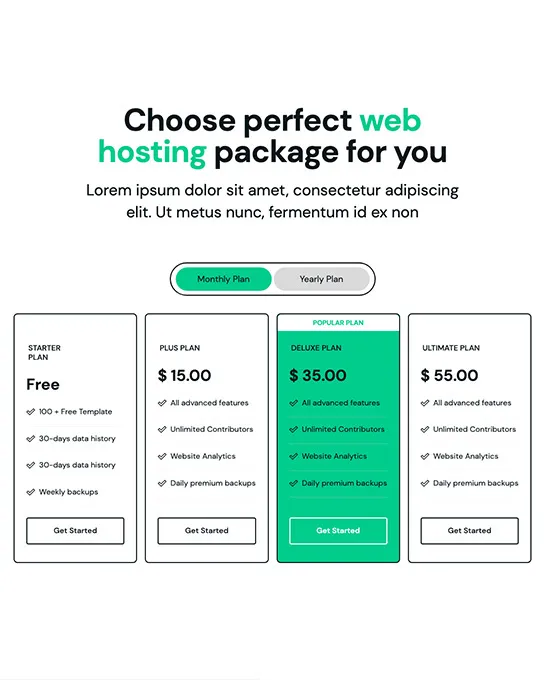
Cubiko Pricing
Pricing
Flow Demo
Other
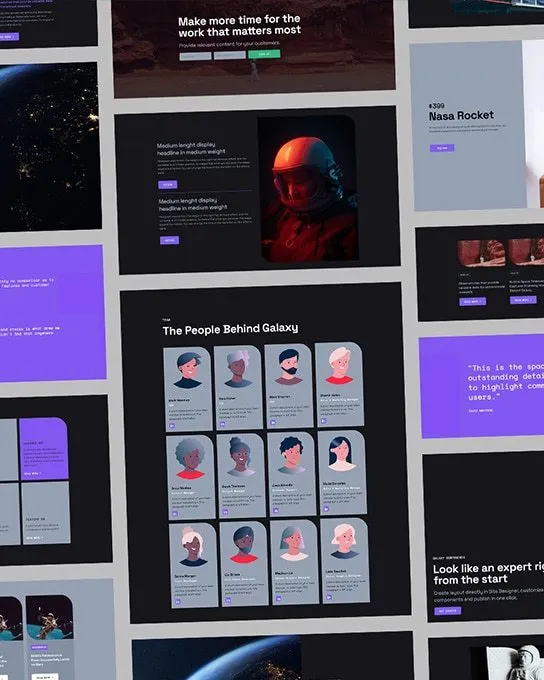
Galaxy
Other
Holiday Countdown
CTA
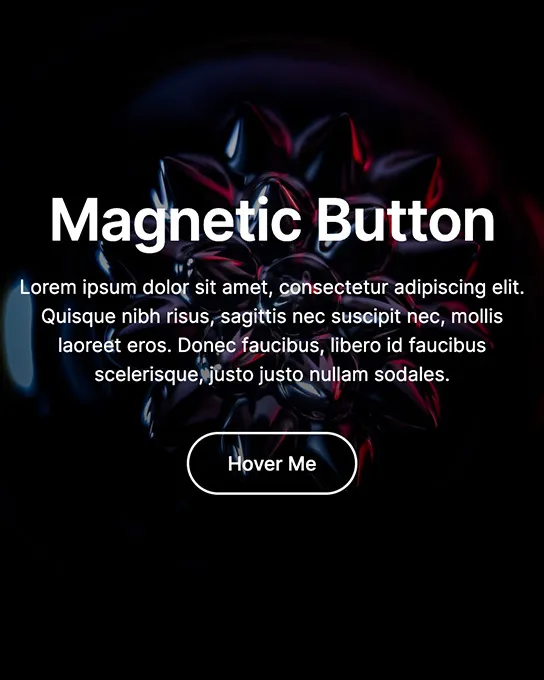
Magnetic Button
Other
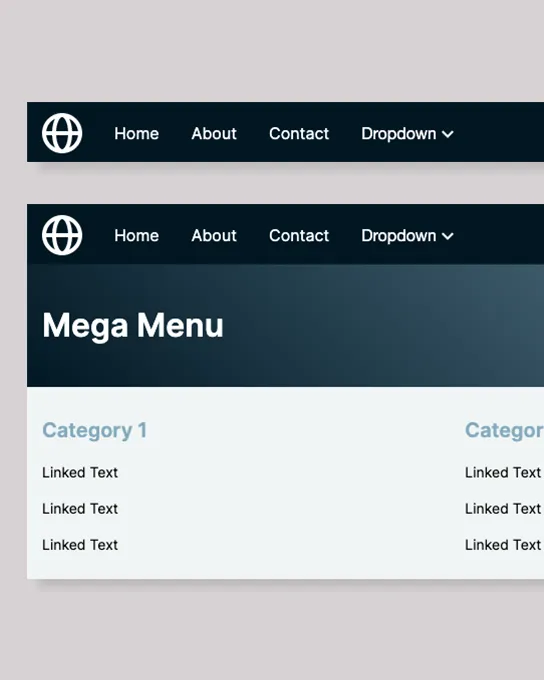
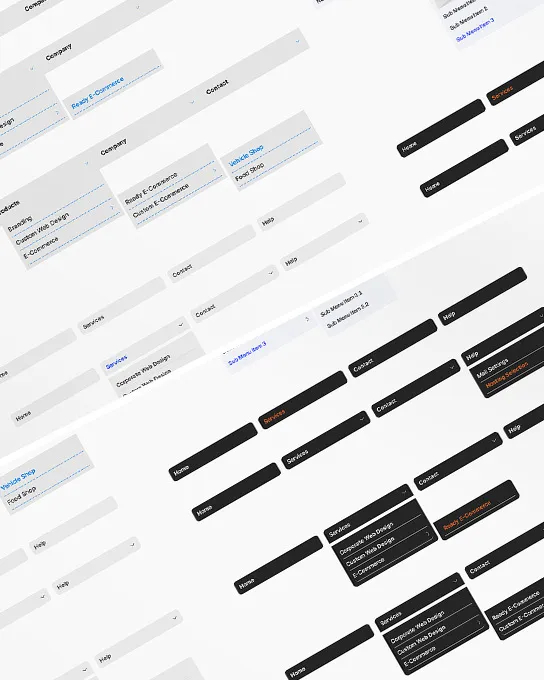
Mega Menu
Navbar
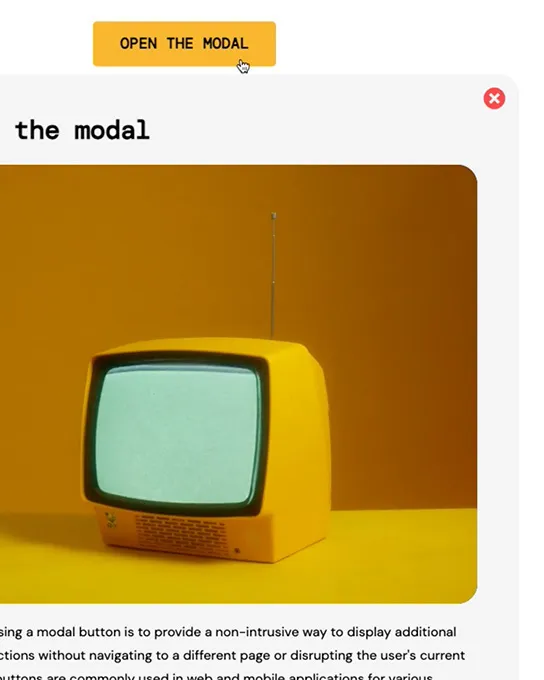
Modal Section
Other
Modal PopUp Video
Other
Mosaic Demo
Other
Mouse Animation
Other
Multi-Level Menus
Navbar
Neutral Demo
Other
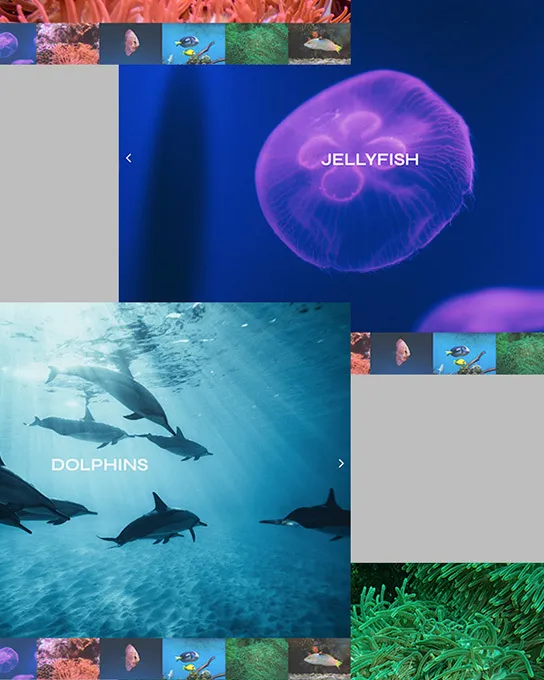
Ocean Slider
Gallery
Sale Countdown
CTA
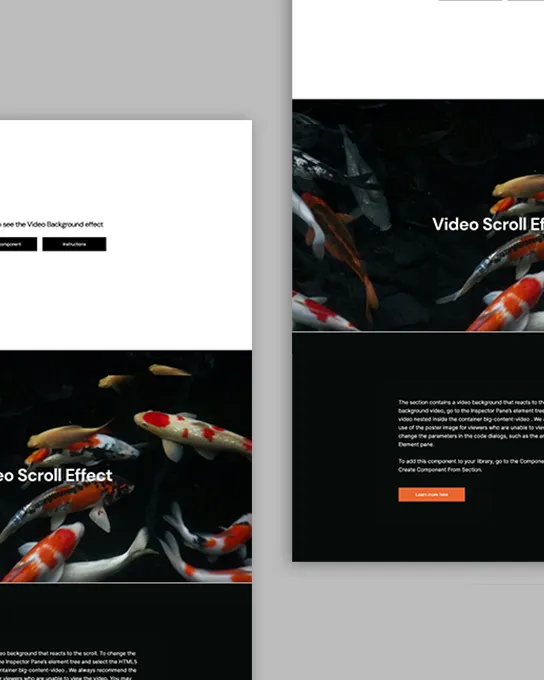
Scroll React
Hero
Smart Scroll
Other
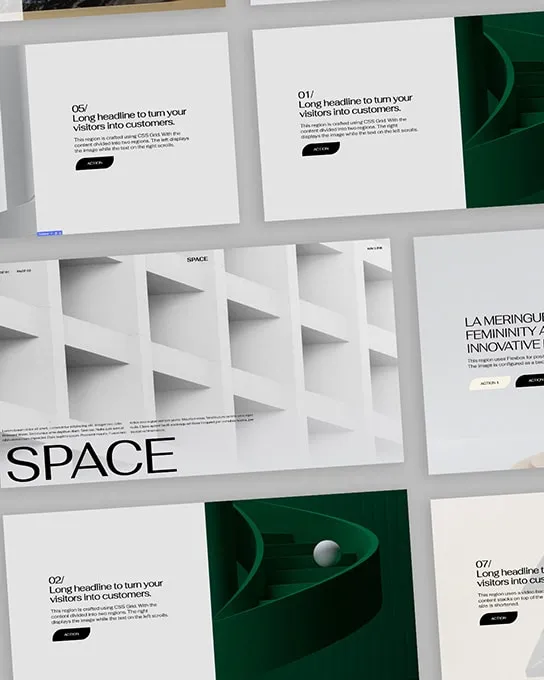
Space
Other
Sublime
Navbar
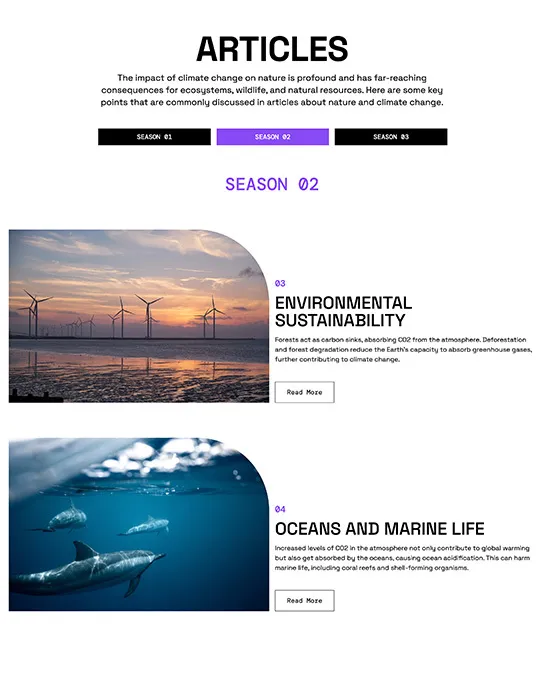
Article Tabs
Other
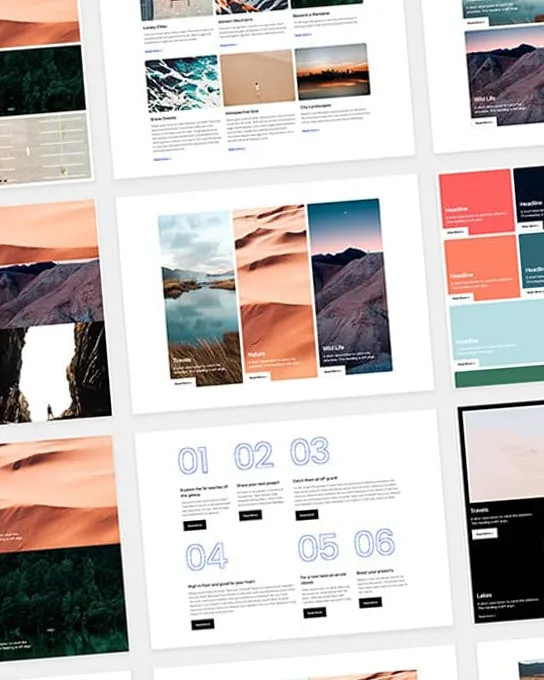
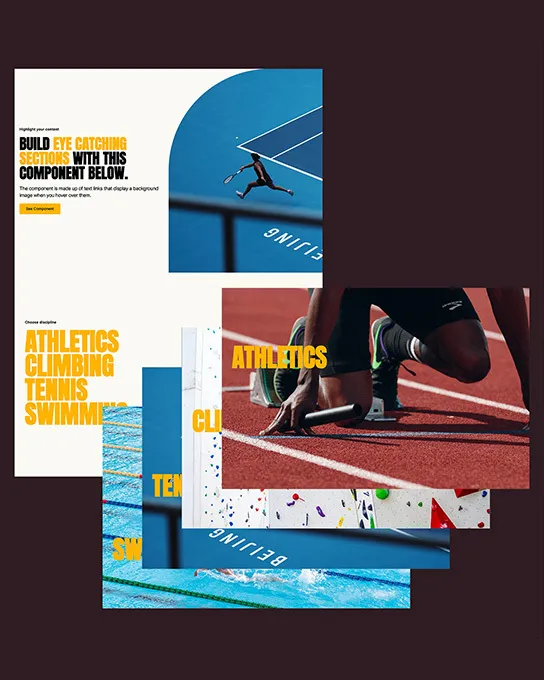
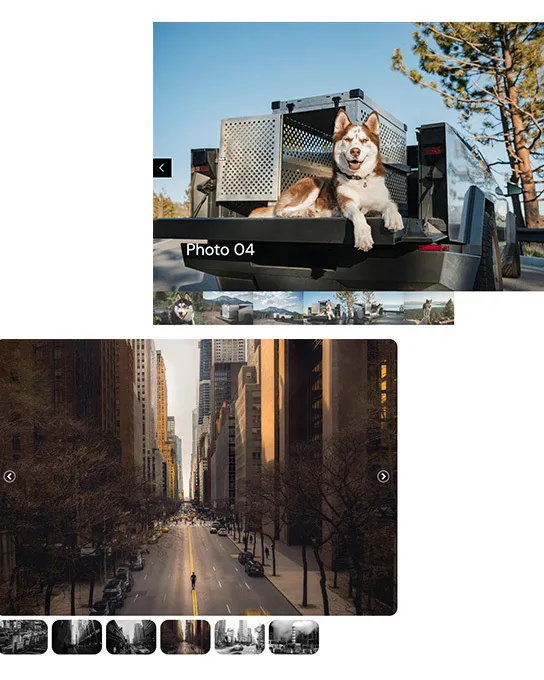
Tabs Photo Gallery
Gallery
Thanksgiving Countdown
CTA
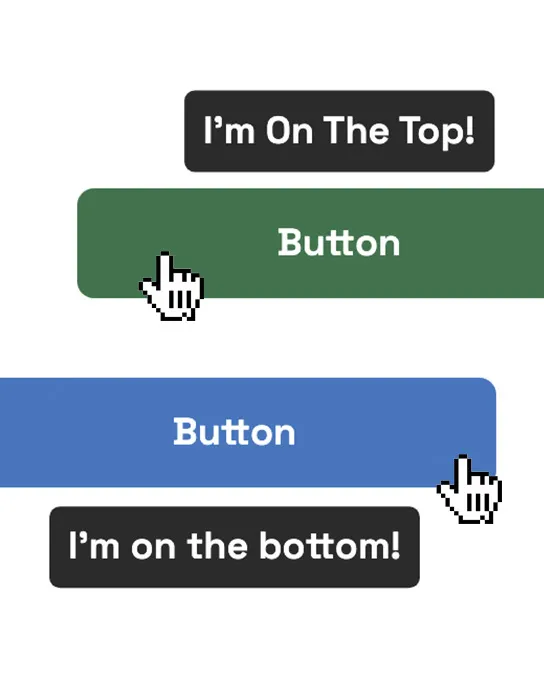
Tooltip Buttons
Other
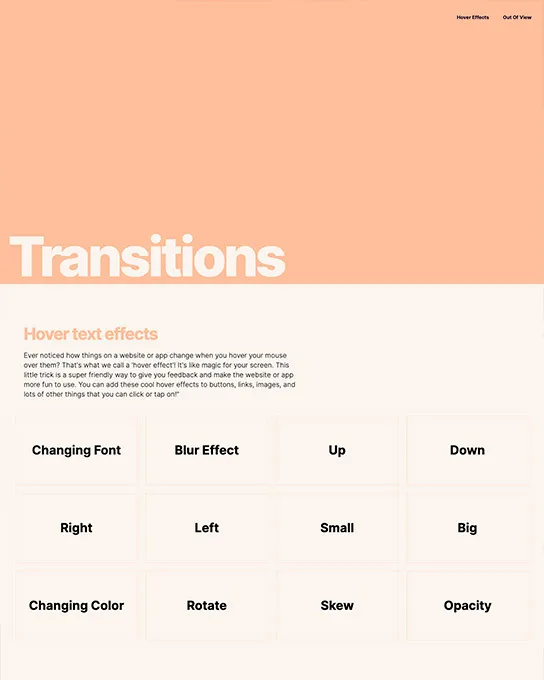
Transitions
Other
Turkey Animation
Other
Underline Text Link
Other
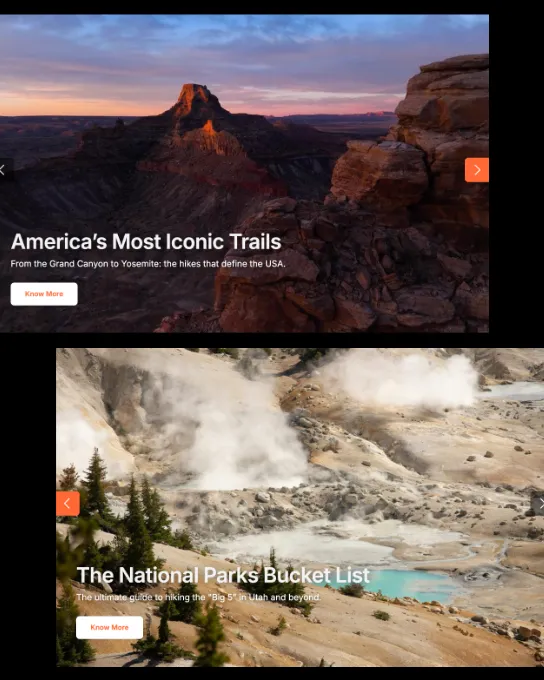
Video Slider
Gallery
No results match these filters
Try removing one of the active filters, or clearing the search, to see more results.
Deluxe Web Components
Bigger, themed packs — 100+ features per collection, one price per framework.
12 components
Blocks
Other
Code Featured
Other
Flow Bootstrap
Other
Flow Foundation
Other
Flow Frameworkless
Other
Flow Materialize
Other
Mosaic
Other
Neutral Bootstrap
Other
Complete Neutral Pack
Other
Neutral Foundation 6
Other
Neutral Frameworkless
Other
Neutral Materialize
Other
No results match these filters
Try removing one of the active filters, or clearing the search, to see more results.
FAQ
Website components are ready-made, fully editable page sections — navigation bars, heroes, galleries, pricing tables, forms, footers and more. You import them into CoffeeCup Site Designer with one click and customize them visually, instead of building each section from scratch.
29 of the 41 components are free to download. The other 12 are Deluxe component packs priced from $19–$99, each bundling several related sections. The Web Components Pack bundles every premium component at a discount.
Components come in Bootstrap, Foundation, Materialize and frameworkless versions. Pick the one that matches the framework of the site you're building in Site Designer so the classes and grid behave consistently.
Built for the canvas
Every block is one click away from your canvas — place it, customize it, publish.
Get Site DesignerLearn
Browse every block in the Site Designer Guide, with usage notes for each one.
Open the Component Library